其他
技能
dsh-web-search-ddg
aooyoo
Zero-token DuckDuckGo search provider for the DeepSeek Harness (DSH) web seam — local headless browser, no API key, no m…
deepseek-harnessdeepseek-harness-plugindsh-bundledsh-ctest
PROJECT TOPICS
PROJECT README



Arrow-key input history for the DeepSeek Harness Web GUI.
Press ↑ / ↓ in the chat composer to walk back and forth through what you already sent — with a floating history dropdown.
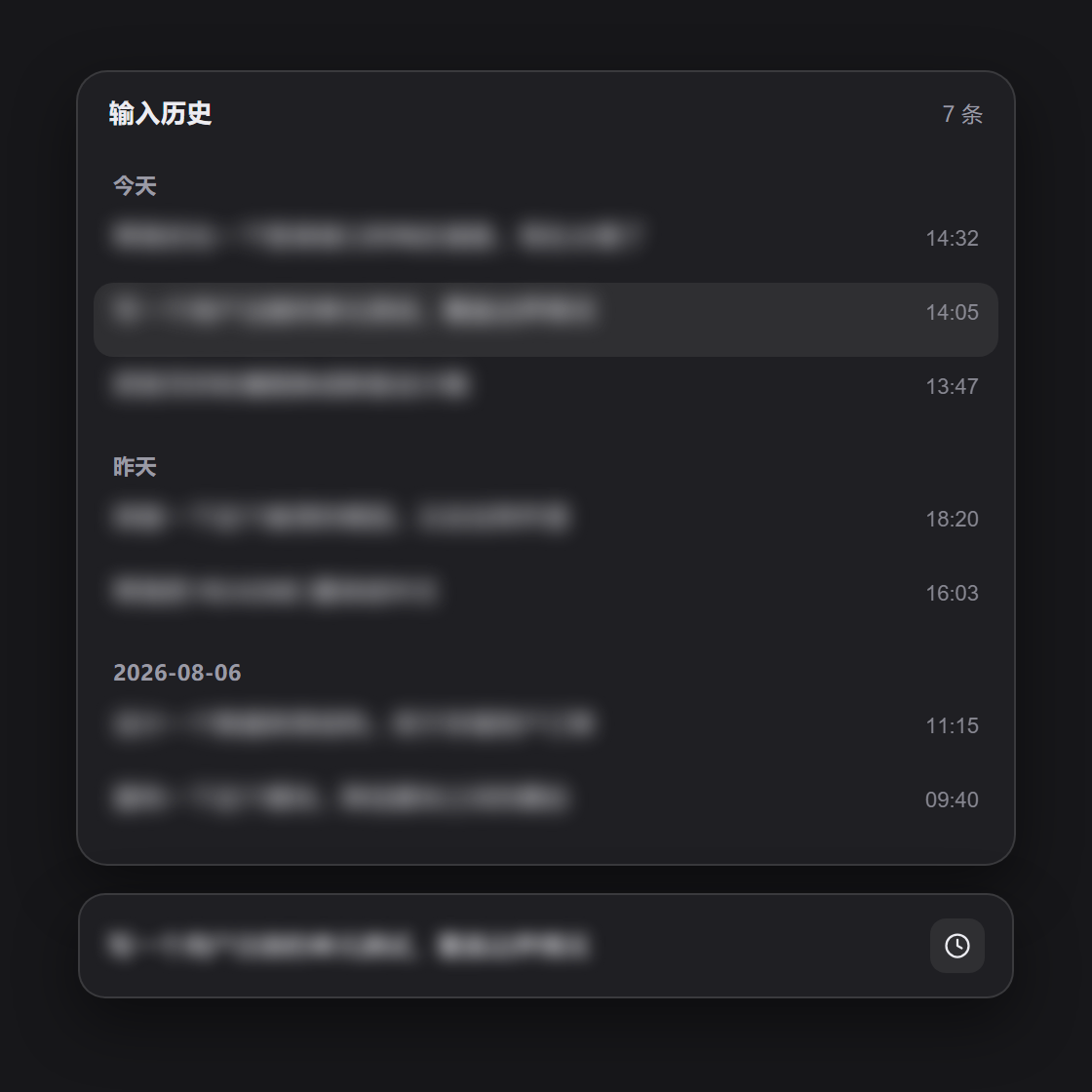
Demo screenshot with sample data — message content is blurred.
Installing this bundle adds one client (browser) plugin to every session of the target dsh profile. It registers a floating history dropdown above the composer (conversation.input.overlay) and a clock history button in the composer's tool row (conversation.input.right):
title), and recall puts the complete multi-line text back into the composer.The plugin is pure client UI — no host-side behavior, no persistence, no network. The history is read live from the session's conversation snapshot, so it is always scoped to the session you are looking at.
composer caret ──↑ at start ──▶ open history (most recent)
        ▲                       │
        │                       ├── ↑  older
        │                       ├── ↓  newer  ── past newest ──▶ restore saved draft, close
        │                       ├── Enter  accept (keep draft)
        │                       ├── Esc    cancel (restore saved draft)
        │                       └── click  jump to that message
        └── ↓ at end ──────────▶ open history (oldest), then ↓ steps newer
Recall never fights the slash (/) or mention (@) menus: when the trigger menu is open, its own up/down arbitration owns the arrows. Modified chords (Ctrl/Cmd/Alt) and IME composition pass through untouched, and multi-line editing is unaffected until the caret reaches a boundary.
Requires the dsh CLI (install DeepSeek Harness).
# from GitHub (recommended)
dsh plugin --profile web add github:wellorbetter/dsh-input-history

# or from a local checkout
dsh plugin --profile web add ./dsh-input-history
Restart the profile (dsh web / dsh --profile <name>) after installing. The plugin is a bundle: it declares dsh.bundle.patch, so dsh plugin reconciles it into the profile's dsh.profile.bundles layer list automatically, and dsh.client so the web shell loads its browser half. It ships plain JavaScript (lib/index.js + lib/client.js), so a GitHub install needs no build step or allowBuilds permission.
Focus the chat composer in any session and press ↑ at the start of the input (or ↓ at the end) to open the history dropdown, then navigate with the arrows and press Enter to accept, or click a row to jump to it. You can also click the clock button in the composer's tool row to open the same panel.
pnpm install
pnpm verify # asserts the host half, the client bundle, and the patch manifestMIT
CLASSIFICATION EVIDENCE
系统优先读取 GitHub Topics,再与站内分类词典和词根规则比对。
aooyoo
Zero-token DuckDuckGo search provider for the DeepSeek Harness (DSH) web seam — local headless browser, no API key, no m…
awa-123-cw
DSH 图片/音视频托管插件:自动拉起 8899 静态服务 + 3080 /files/ 路由(HTTP Range 流式)+ WebUI 内点击即播(视频静音/音频 20% 音量/互斥懒加载)
awa-123-cw
DSH 设置页「关于」栏位 + 一键检测更新插件(About page with update checking for DeepSeek Harness WebUI)