界面增强
完整应用
dsh-desktop
Jedeiah
DeepSeek Harness 桌面端(macOS):双击即用的官方 dsh「壳」应用。内置 Node 与完整依赖闭包,电脑无需安装任何环境;跟随上游自动更新、干净卸载、局域网手机/平板浏览器访问。
ai-agentdeepseekdesktop-appdsh-plugin
PROJECT TOPICS
PROJECT README
English · 中文
A DeepSeek Chat-style blue-whale color skin. Light and dark follow the built-in appearance.
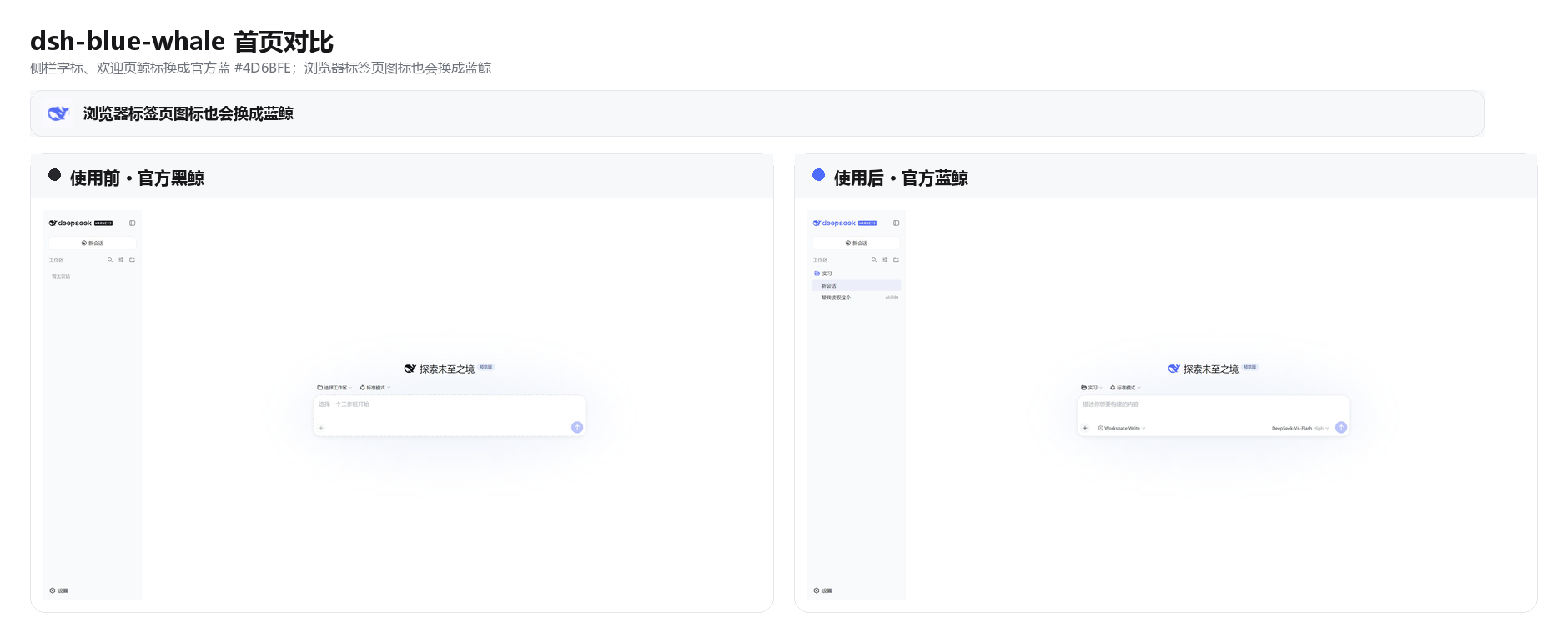
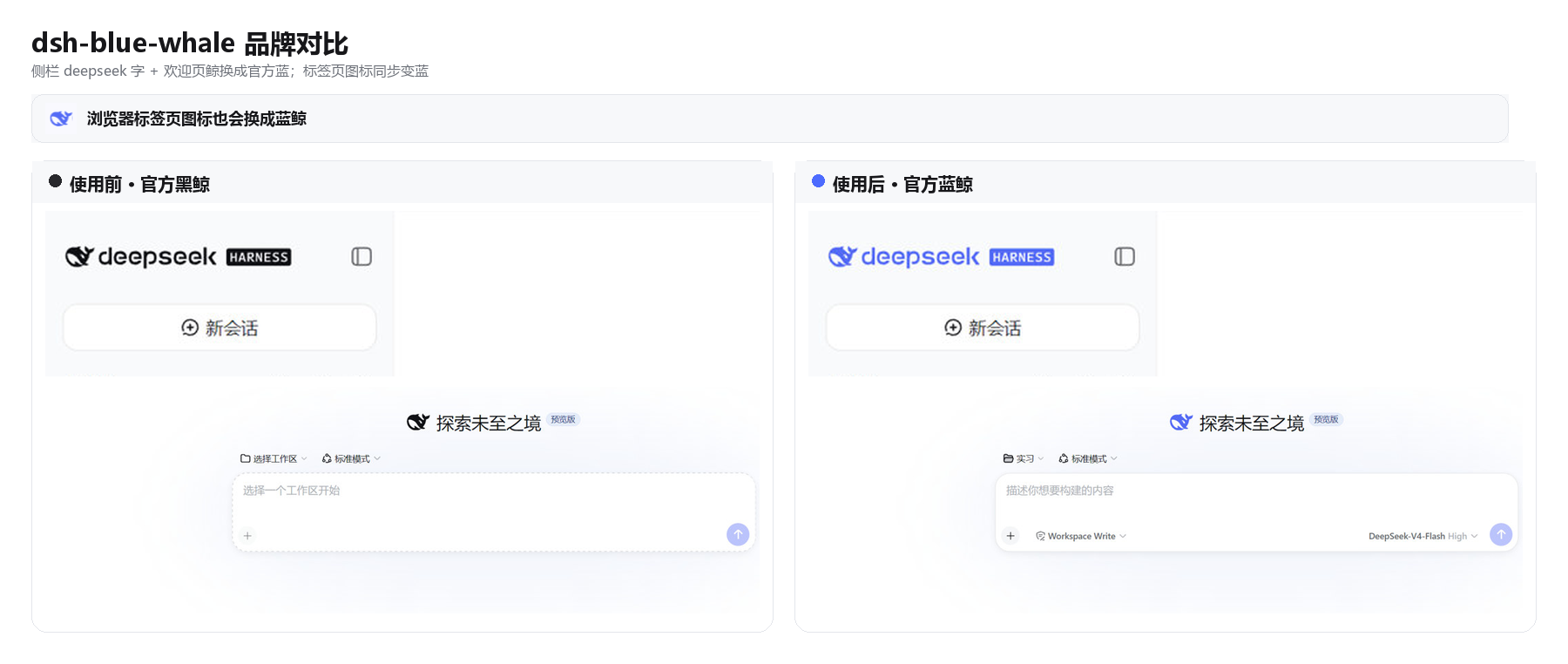
DSH ships as a black whale. chat.deepseek.com is a blue one. This plugin puts Chat blue #4D6BFE on the wordmark, hero fish, tab favicon, and primary actions. Light / dark / follow-system stay on the built-in Appearance setting.
dsh plugin --profile web add github:starslittle/dsh-blue-whaleRestart dsh web, then hard-refresh the browser (Ctrl+Shift+R). The skin is on by default.
Open Settings → General → Blue Whale. A green dot means it is on. Turn off matches the stock capsule control; Turn on is the blue fill.
| What you see | What to do |
|---|---|
Sidebar whale and deepseek letters are blue |
It is on |
| Still the black whale | Restart, then hard-refresh |
| Turning the switch off restores the stock colors | Expected |
| Stock DSH | This skin | |
|---|---|---|
Sidebar whale + deepseek |
near-black / near-white | #4D6BFE |
| Hero whale | same | #4D6BFE |
| Browser tab icon | black (white in OS dark) | #4D6BFE |
| Brand / send / accents | black or white | #4D6BFE |
| Page background | built-in light / dark | unchanged |
| Light / dark switch | built-in Appearance | still built-in |
Supporting colors come from DSH's own --dsw-static-deepseek-* scale.
Turning it off or uninstalling restores the stock colors immediately.
MIT
CLASSIFICATION EVIDENCE
系统优先读取 GitHub Topics,再与站内分类词典和词根规则比对。
Jedeiah
DeepSeek Harness 桌面端(macOS):双击即用的官方 dsh「壳」应用。内置 Node 与完整依赖闭包,电脑无需安装任何环境;跟随上游自动更新、干净卸载、局域网手机/平板浏览器访问。
awa-123-cw
DeepSeek Harness WebUI 动效美化插件:聊天背景黑客帝国代码雨,雨字内容 = 当前会话 AI 思考链(流式实时),设置页调色盘 + 全套 DIY
baiyun200
DSH 插件看板 · DeepSeek Harness 插件生态可视化(shadcn/ui,每日自动构建部署)