开发工具
插件
dsh-doctor
asdf17128
Find what your DeepSeek Harness (dsh) patches silently broke — dead patches, config fields dropped by whole-config repla…
agentclicordisdeepseek
PROJECT TOPICS
PROJECT README





A multi-agent desktop for Agent Client Protocol (ACP) harnesses, tools, and outputs.
New: DeepSeek Harness support through dsh-plugin and dsh-acp.
Use your existing dsh profile or the standalone ACP server from the same desktop.
Backchat gives developer agents a shared desktop without taking away the things that make each harness useful. Bring multiple agents into one conversation and keep the built-in browser, files, terminal, MCP Apps, and Codex plugins close.
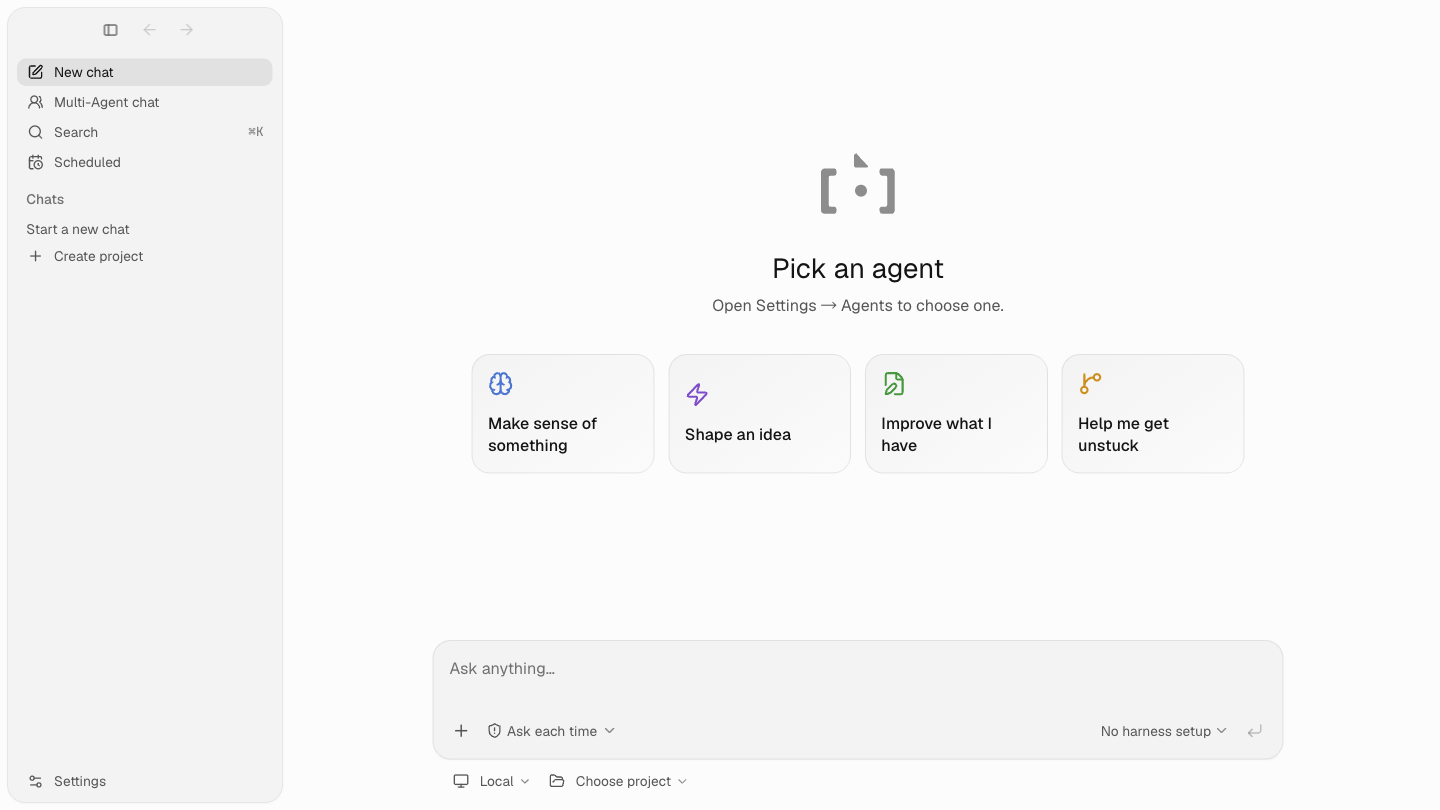
additionalDirectories.These are representative UI snapshots from the current artifact/E2E suite.
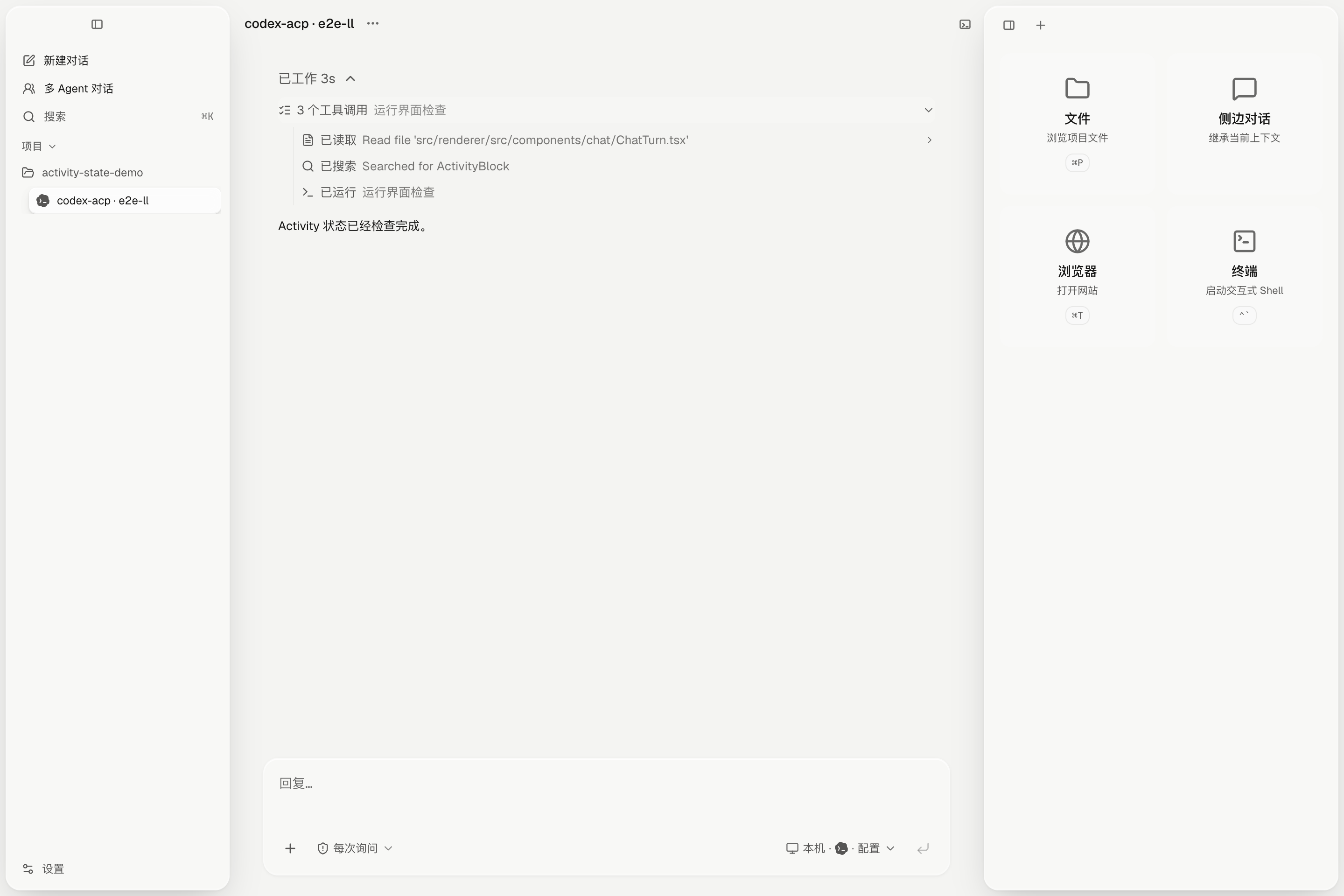
Readable activity history with grouped tool calls. |
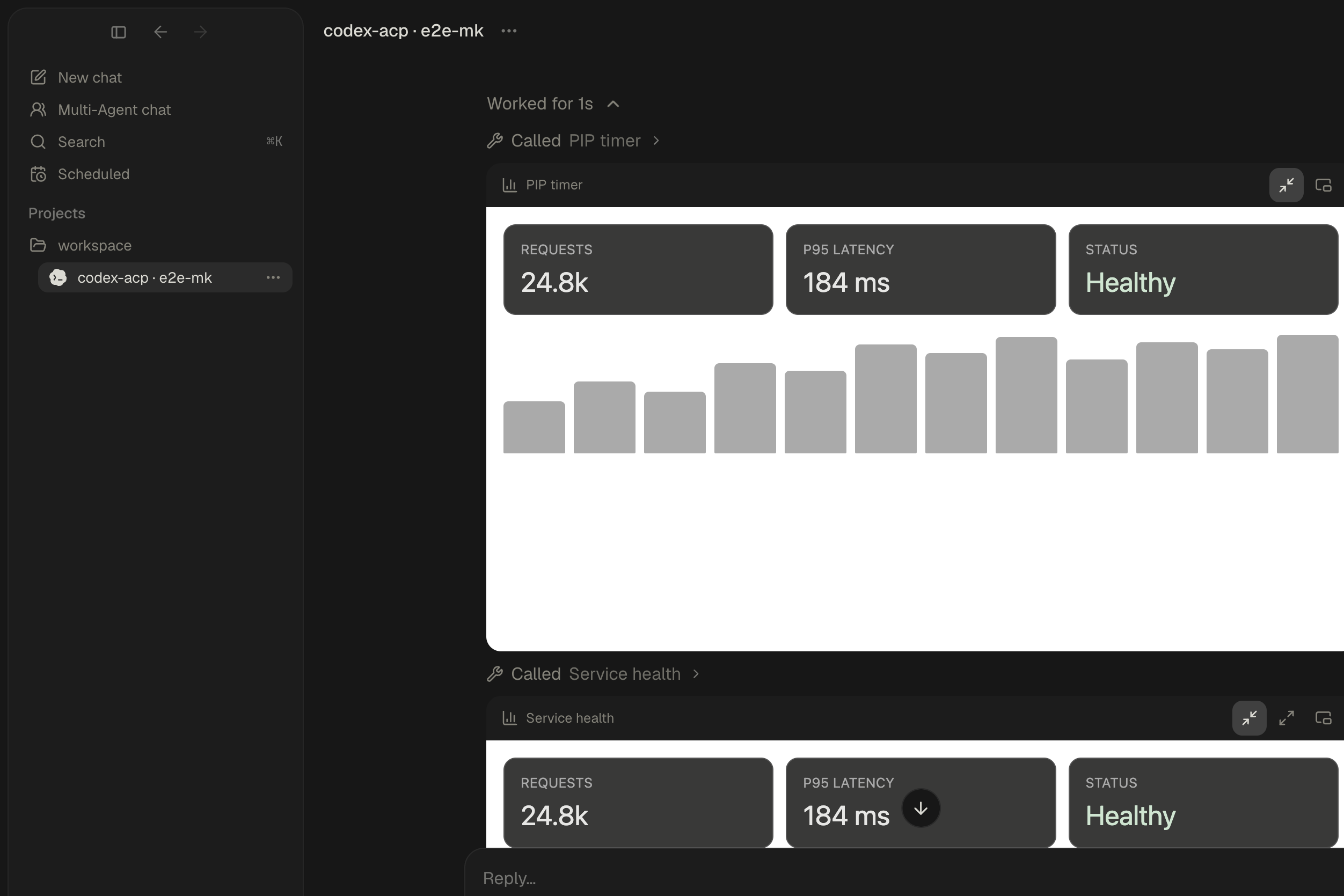
Interactive MCP Apps rendered directly in a turn. |
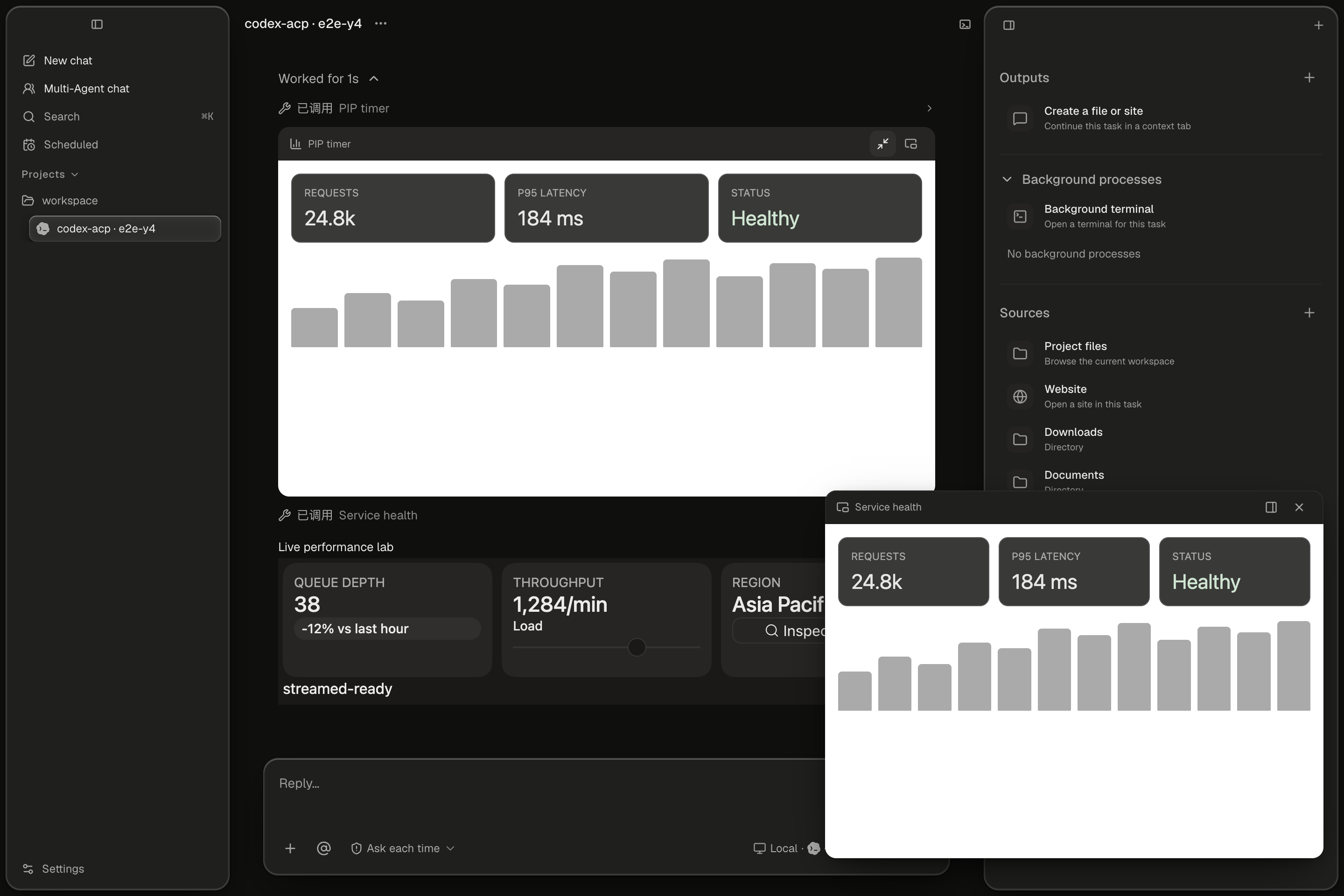
Pop out a live result when the work needs more room. |
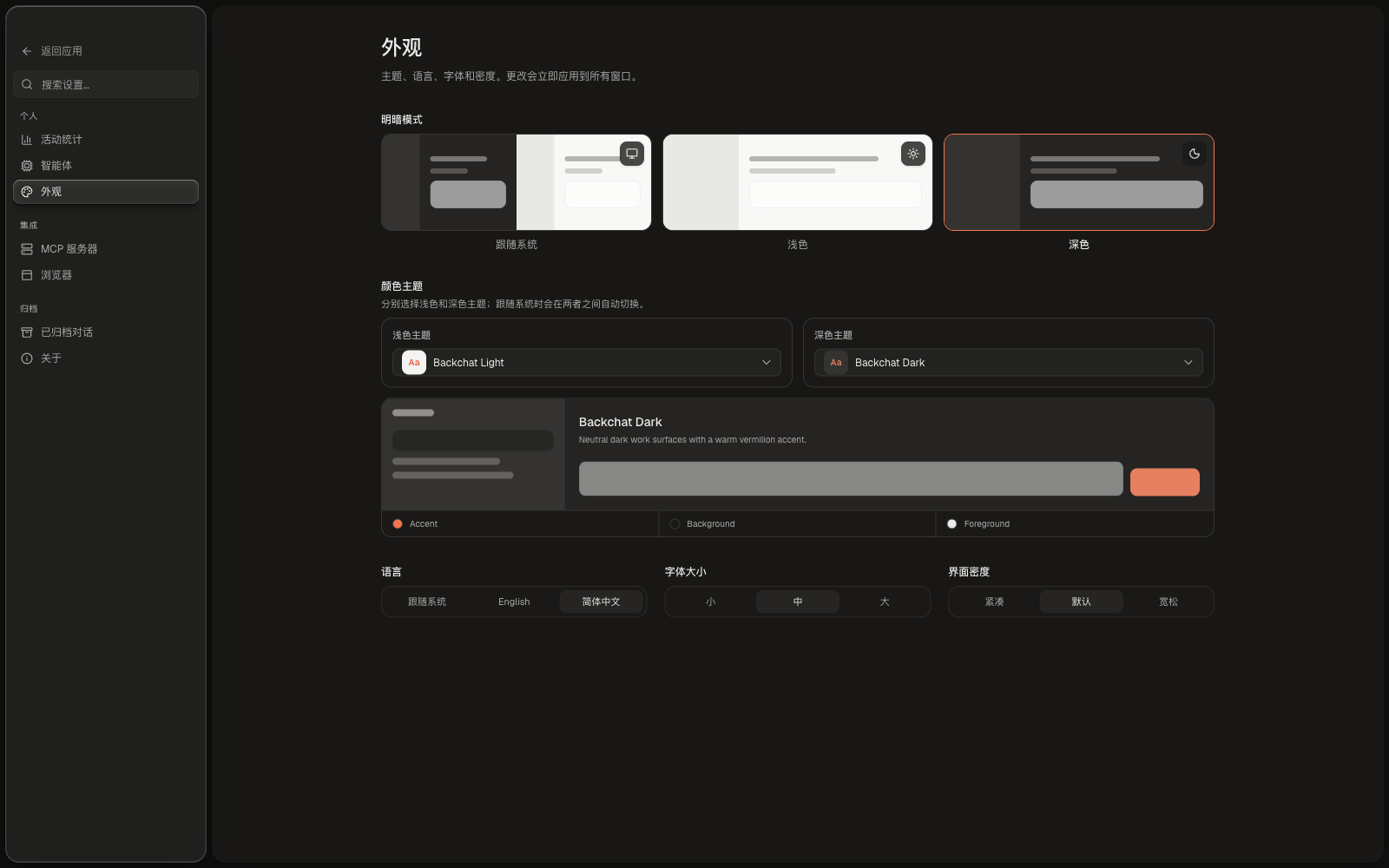
Theme, language, density, and font settings are first-class. |
Backchat currently ships registry entries for:
| Agent | ACP entry | Notes |
|---|---|---|
| Claude Code | claude-acp |
Claude Code through the official ACP adapter |
| Codex CLI | codex-acp |
Codex through codex-acp |
| DeepSeek Harness | dsh-acp or dsh --profile acp |
Standalone ACP server or dsh profile plugin |
| Gemini CLI | gemini |
Gemini CLI's ACP mode |
| OpenCode | opencode |
OpenCode's ACP mode |
| Hermes | hermes |
Hermes ACP entry |
| OpenClaw | openclaw |
OpenClaw ACP entry |
DeepSeek Harness can be connected in either form:
# Standalone ACP server
npm install -g @openma/deepseek-harness-acp
dsh-acp login

# Or install it into an existing dsh profile
dsh plugin --profile acp add -w @openma/deepseek-harness-acp
See openma-ai/deepseek-harness-acp for authentication, profile, model, permission, and MCP configuration.
Agent binaries are discovered or configured from Settings → Agents. The registry and setup layer are deliberately separate from the chat UI, so adding or updating a harness does not require changing the conversation model.
Requirements: Node.js 20 or newer and pnpm.
git clone https://github.com/openma-ai/backchat.git
cd backchat
pnpm install
pnpm dev
On first launch, open Settings → Agents to install or point Backchat at an ACP-compatible agent, then choose a project and start a chat.
pnpm build          # production renderer/main bundles
pnpm package        # unsigned local installer for the current OS
pnpm package:dir    # unpacked app directory
Signed release packaging and notarization are documented in
docs/releasing.md.
pnpm typecheck
pnpm test:ci        # curated contract + release-regression lane (GitHub Actions)
pnpm test
pnpm test:e2e:fast
pnpm test:verify    # typecheck + full unit tests + fast E2E lane
Pull requests run test:ci and test:e2e:fast. Pushes to main also build an
unsigned macOS DMG, then check that the packaged app can import its runtime and
complete a first prompt. The website download button always points at
https://github.com/openma-ai/backchat/releases/latest/download/Backchat-arm64.dmg
; tagged releases upload that stable filename next to the versioned DMG.
GitHub's official Dependency Review, CodeQL, and Dependabot for Actions run
alongside those gates.
The desktop shell is built with Electron, TypeScript, React, Vite, Tailwind
CSS, and shadcn/ui. The ACP runtime is vendored from
open-managed-agents and
trimmed to the local desktop use case.
Backchat is pre-release and under active development. The product shape, packaging, persistence format, and ACP integration surface may change before a stable release. It is ready for local evaluation and development, not yet a promise of backwards compatibility.
Issues and focused pull requests are welcome. For a useful bug report, include your OS, Backchat build, agent/harness, project type, and the smallest reliable reproduction.
CLASSIFICATION EVIDENCE
系统优先读取 GitHub Topics,再与站内分类词典和词根规则比对。
asdf17128
Find what your DeepSeek Harness (dsh) patches silently broke — dead patches, config fields dropped by whole-config repla…
asdf17128
Manage DeepSeek Harness profiles — list, create, clone, diff, and share a whole dsh setup as one portable file.
aust24lzy
DeepSeek Harness (DSH) 开源插件导航站 —— 实时同步 dsh-plugin 生态,按 Stars 动态排行