其他
技能
dsh-web-search-ddg
aooyoo
Zero-token DuckDuckGo search provider for the DeepSeek Harness (DSH) web seam — local headless browser, no API key, no m…
deepseek-harnessdeepseek-harness-plugindsh-bundledsh-ctest
PROJECT TOPICS
PROJECT README
 Mobius




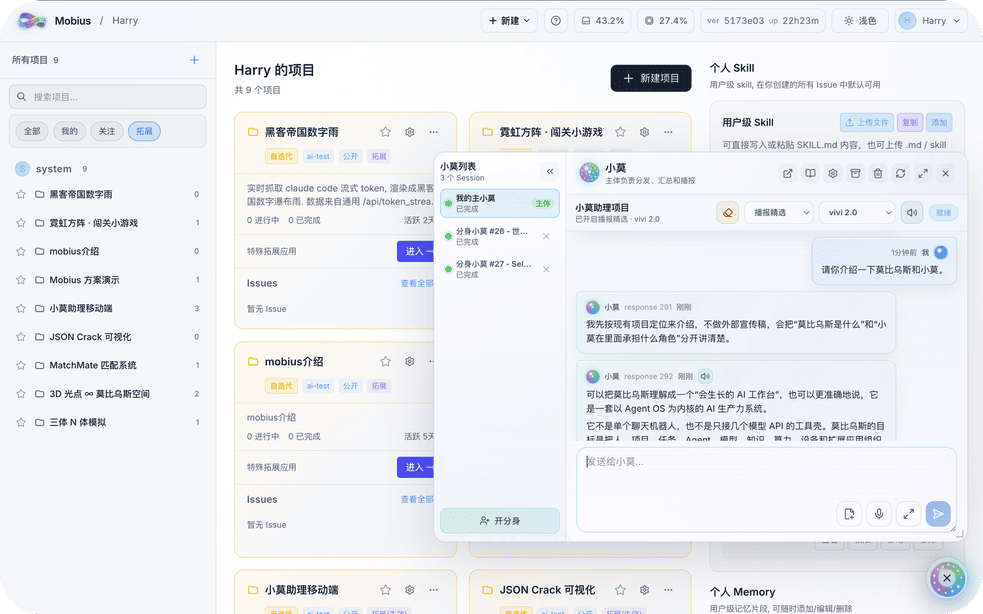
Building a perfect AI system once and for all is like finding the end of a Mobius strip — impossible by design.
Mobius is the world's first self-evolving open-source Agent OS. Not a fixed toolbox — a growing productivity system that connects projects, teams, models, devices, compute, and apps into one traceable workspace.
2026-08-09
2026-08-02
2026-07-26
2026-07-14
Mobius rewrites itself from your input. Send a change request, a screenshot, or a reference link — Mobius turns them into real code, UI, plugins, or workflow updates, without interrupting your work. Each iteration replaces a plank on the Ship of Theseus, quietly in the background.
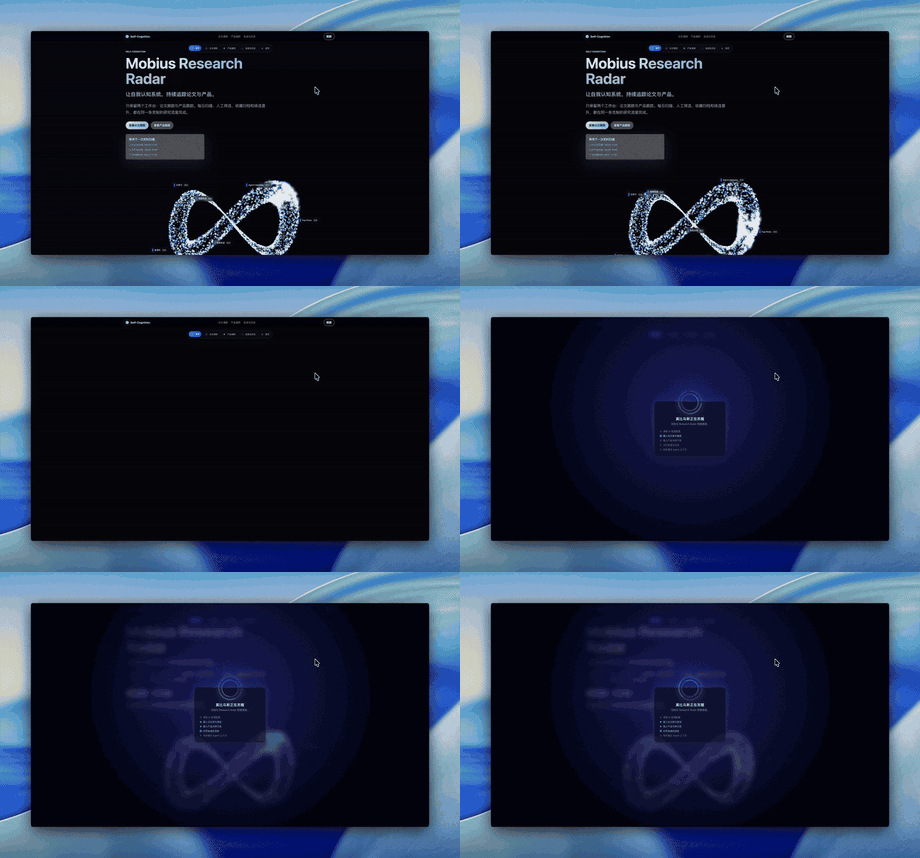
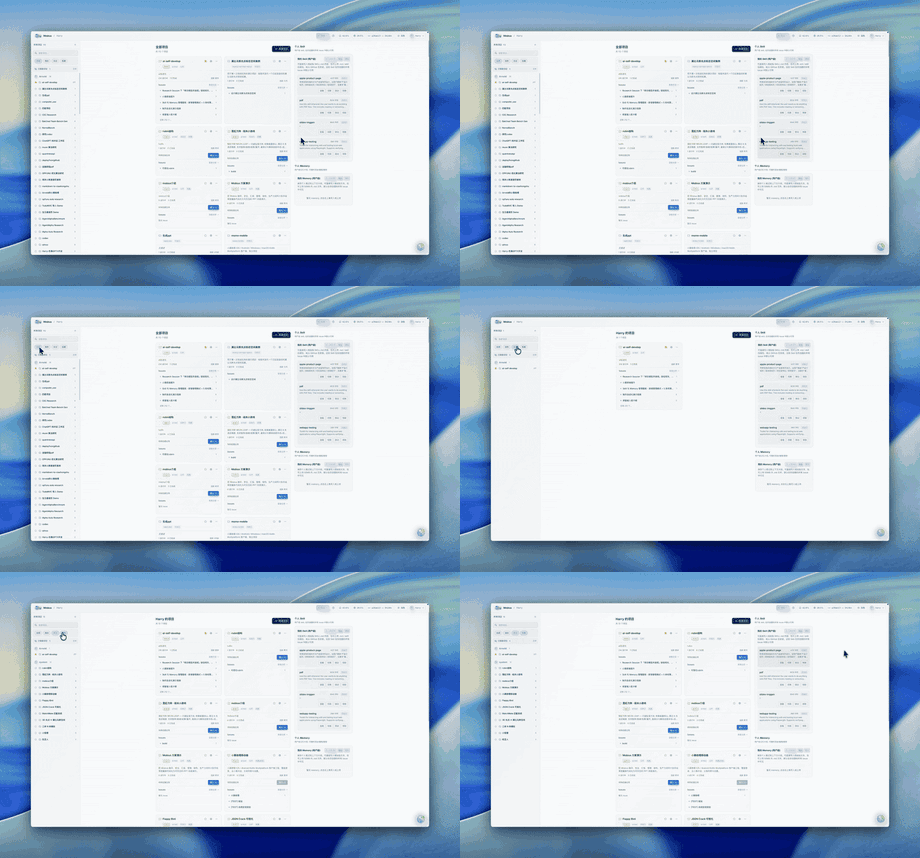
Serve Every Scenario (toggle the most convienient interface, for all possible scenarios)
Manage All Projects (project overview, where you can overwatch all agents working for you)
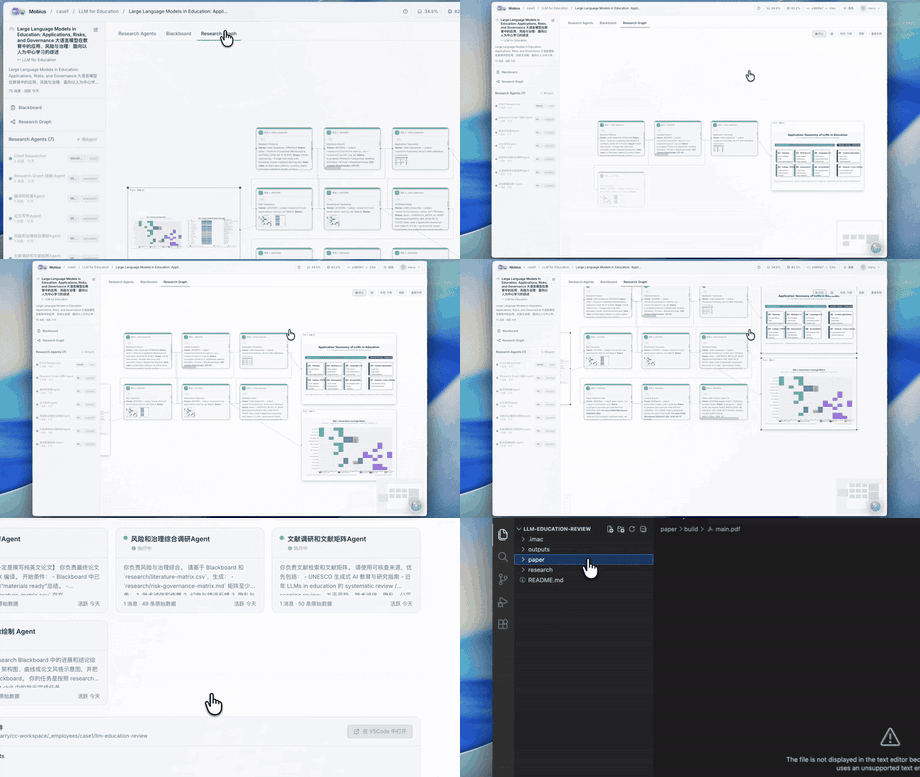
Mobius orchestrates multiple agents into an autonomous research pipeline — reading papers, extracting methods, running experiments, and surfacing results. A research goal becomes a multi-agent system, not a single Q&A.
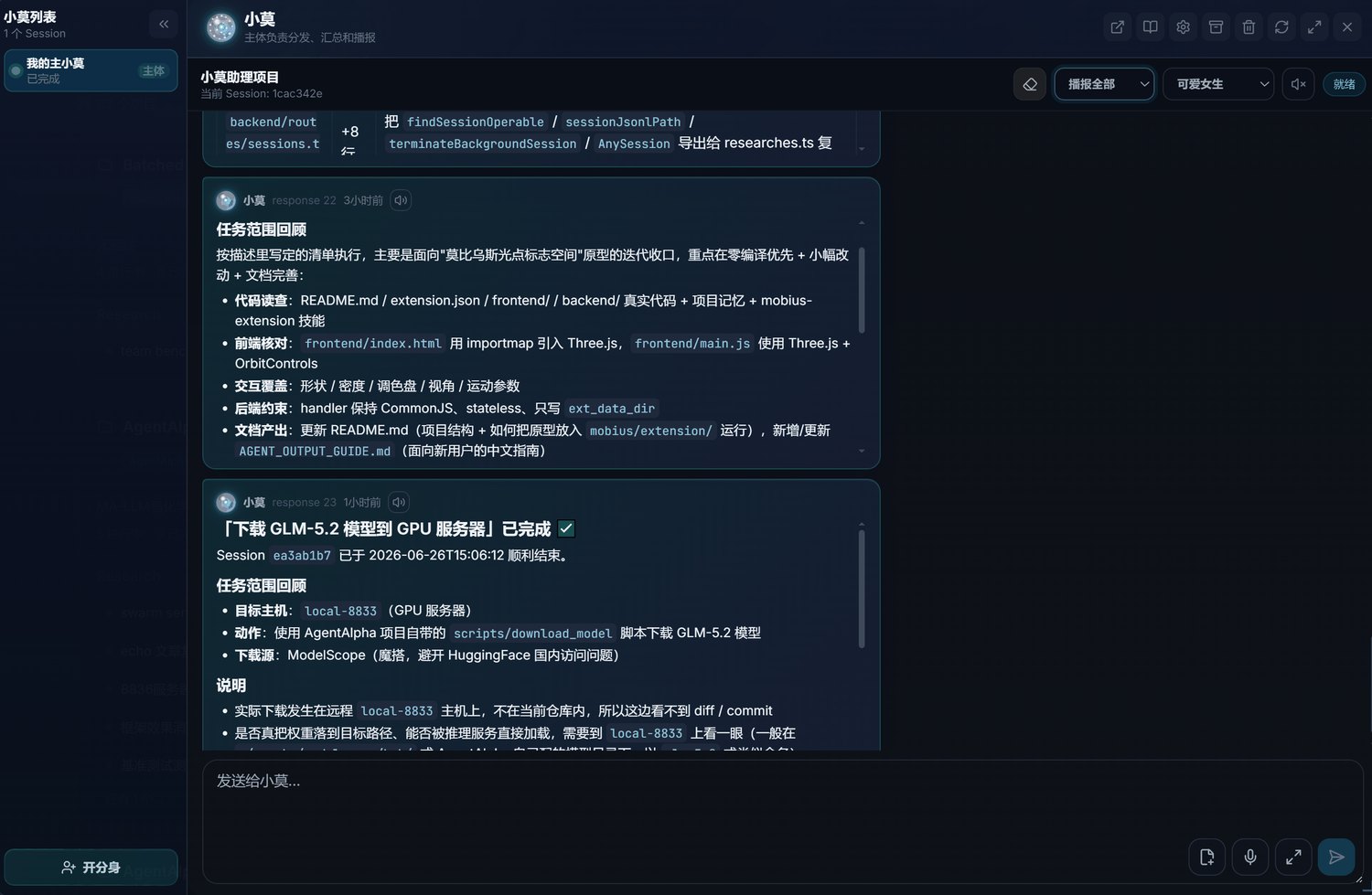
XiaoMo is the natural-language interface to the entire system. Talk to it: create projects, split tasks, launch agents, track progress. Anything clickable, XiaoMo can do. Things the UI cannot do, XiaoMo handles too. Voice input, multi-device (Web, PC, Mobile), configurable reminders.
On the web. Zero install — open a browser on any device and the full Mobius workspace is ready instantly.
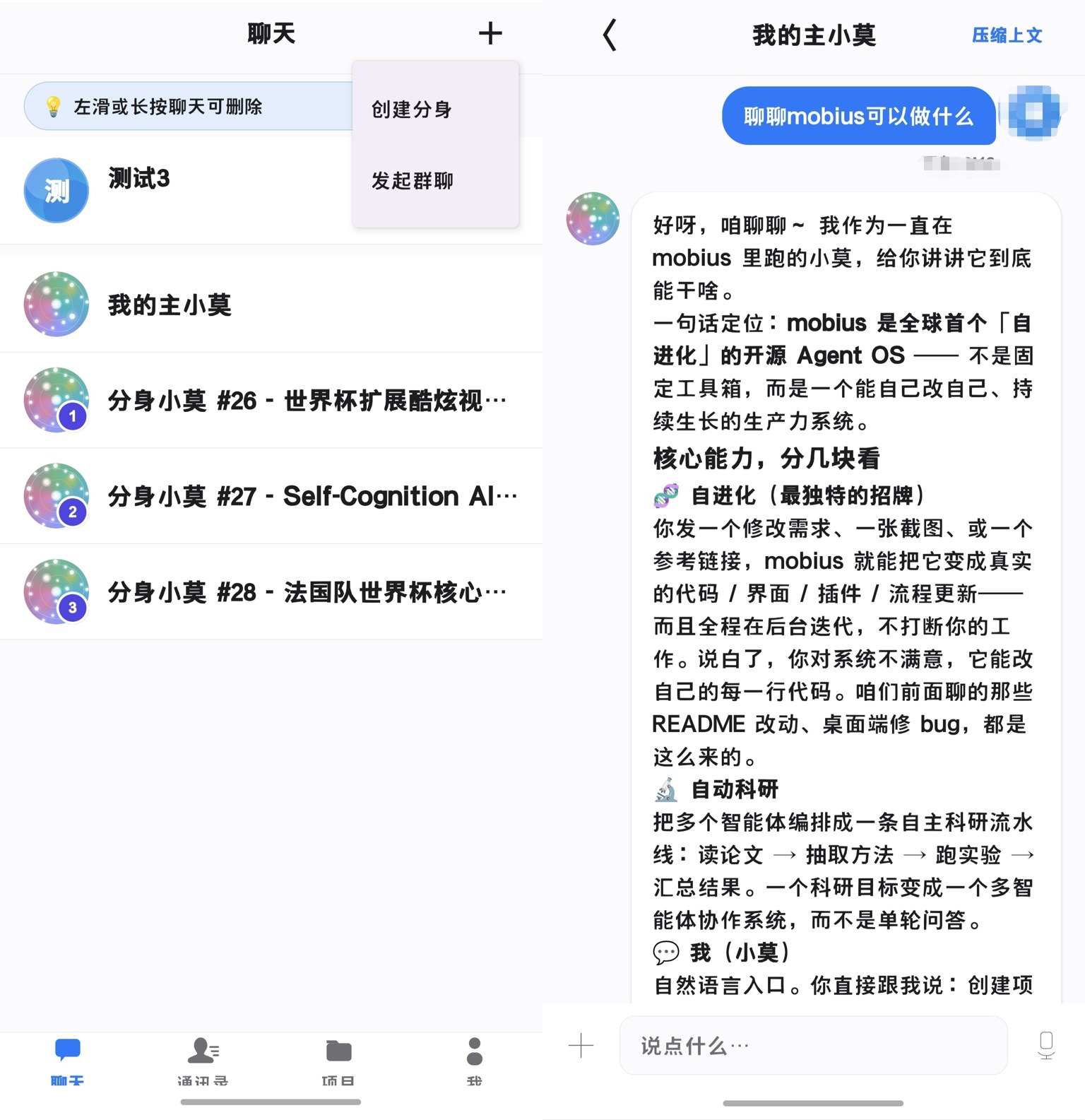
On your phone. XiaoMo goes wherever you go — chat with your agents, track progress, and approve decisions from anywhere. The iOS and Android apps are fully available now.
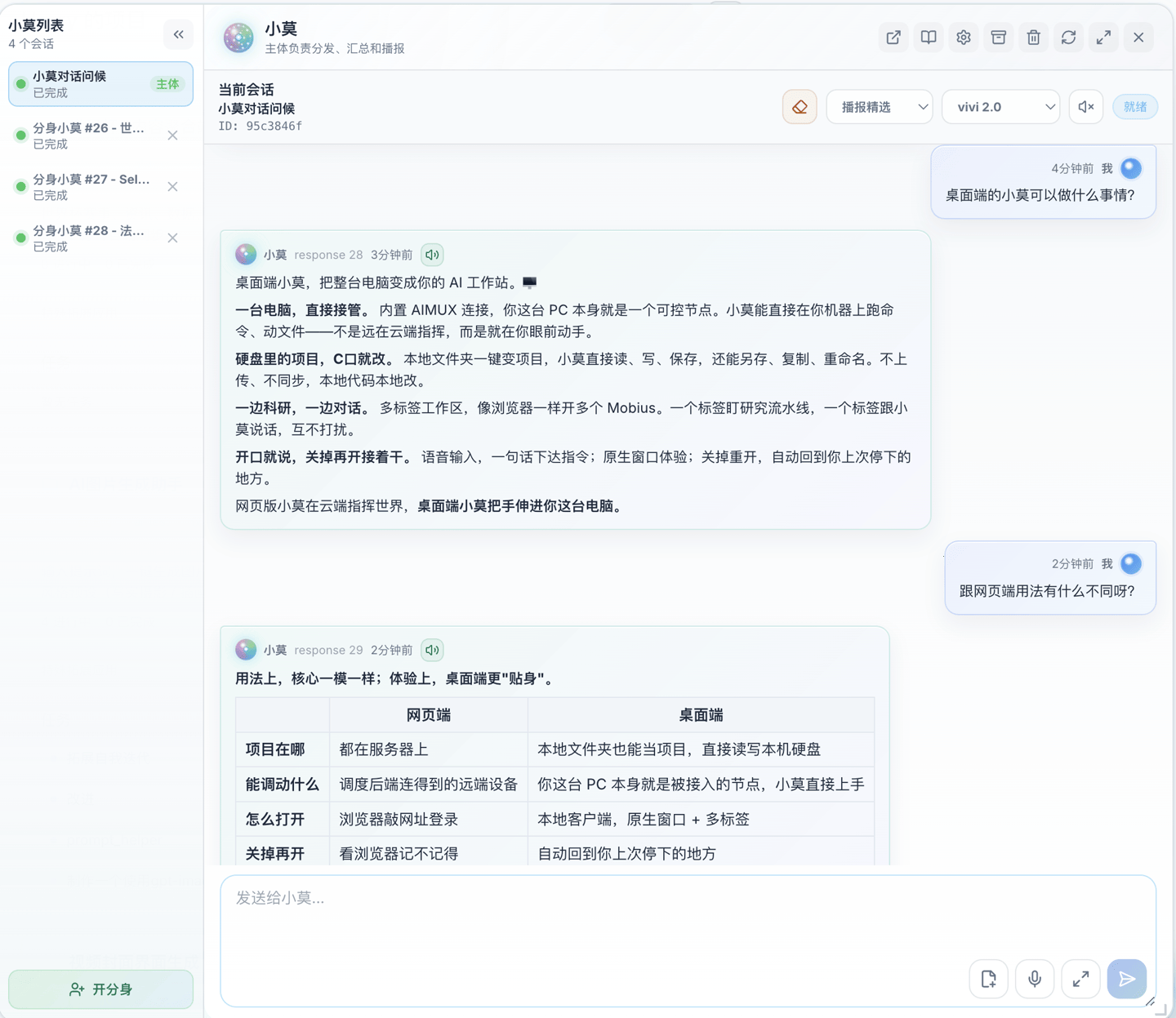
On your desktop. A native app that turns your PC into a Mobius workstation — read and write local project files directly, enroll this machine as a controllable node, and run multi-tab workflows. Available now on Windows, macOS, and Linux.
The demos on this page were produced by XiaoMo itself, with zero human participation in recording.
Mobius is model-agnostic. GPT, Claude, GLM-5.2, Codex — all serve as execution engines inside the same project. Choose by task type, cost, or performance.
Mobius schedules browsers, terminals, GPU clusters, embedded boards, cloud servers, and workstations — all inside the same task network.
Reach your resources through SSH, AIMUX, and controllable proxies:
Human members, AI agents, tasks, and deliverables in one view. Leads see who is doing what, where each agent is, what needs confirmation, and where risks exist — no more fragmented communication.
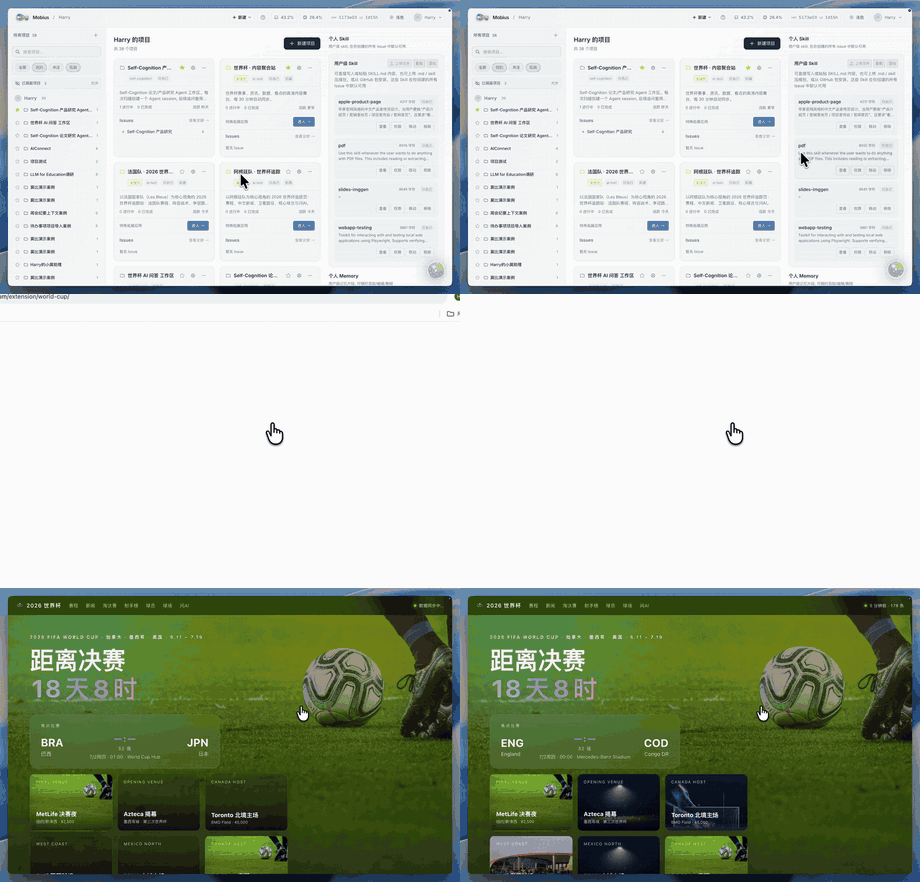
Mobius ships with built-in extensions and grows new ones from your needs — financial dashboards, PPT generators, research workbenches, live portals. Each extension comes with a frontend, backend handler, data directory, and invocation entry, ready to keep evolving.
|
Immersive Web Experiences Turn visual ideas into runnable extension apps. 
|
Financial News Wall Track live market narratives. 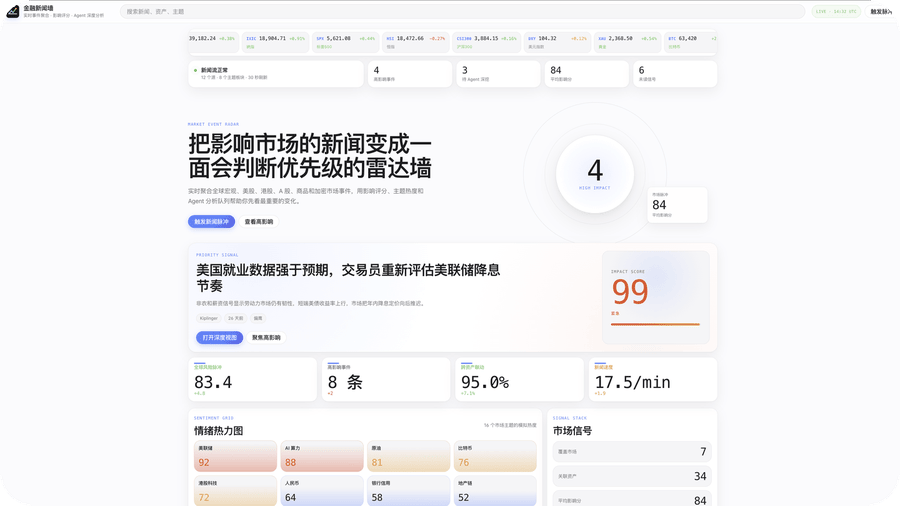
|
|
World Cup Portal Data-rich sports portal. 
|
PPT Maker Presentations from topics and materials. 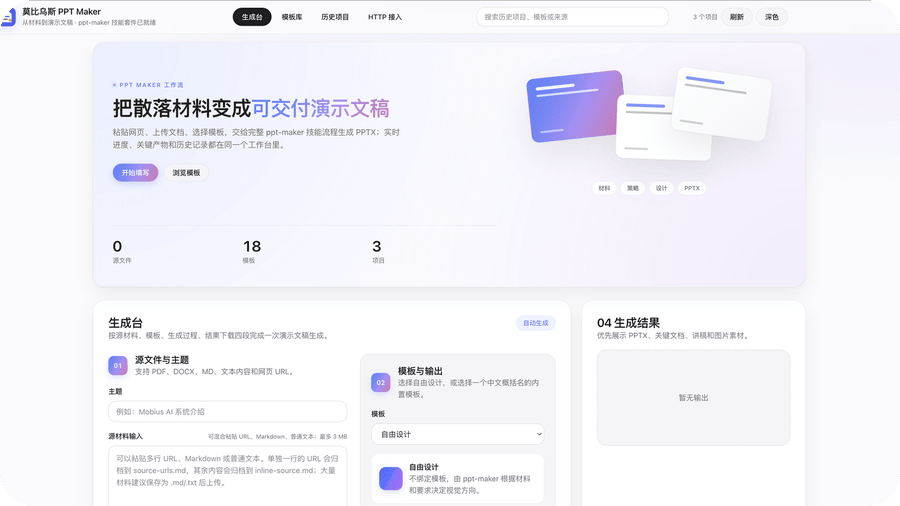
|
Full deployment guide at Docs.
# 1. Clone the repo (tip: fork first, then clone — after self-evolution you can commit directly to your own repo)
git clone https://github.com/nutshellai-tech/mobius.git && cd mobius

# 2. Generate config (random keys/passwords; you may configure manually to skip this)
python3 conf_prepare.py --docker && python3 conf_check.py --docker

# 3. Build the images (the base image is environment only, no code)
docker build -t mobius-system-base:latest -f deploy/Dockerfile .
docker build -t mobius-system-exe:latest .

# 4. Launch
docker compose up# 1. Install prerequisites (tmux, git, etc.)
sudo apt install tmux python3 git curl proxychains openssh-server build-essential
# 2. Install coding agents (either works; installing both is recommended)
npm install -g @anthropic-ai/claude-code @openai/codex
# 3. Clone the repo (tip: fork first, then clone — after self-evolution you can commit directly to your own repo)
git clone https://github.com/nutshellai-tech/mobius.git && cd mobius
# 4. Generate and check config (copies .env.default to .env with random passwords)
python3 conf_prepare.py && python3 conf_check.py
# 5. Install dependencies (frontend + backend)
cd ./mobius && npm install && cd ./frontend && npm install && cd ../..
# 6. Run
python3 start.pyWhat we are building next:
Issues, plugins, docs, bug reports, use cases — all welcome. If you believe AI systems should evolve instead of being static tools, join us.
CLASSIFICATION EVIDENCE
系统优先读取 GitHub Topics,再与站内分类词典和词根规则比对。
aooyoo
Zero-token DuckDuckGo search provider for the DeepSeek Harness (DSH) web seam — local headless browser, no API key, no m…
awa-123-cw
DSH 图片/音视频托管插件:自动拉起 8899 静态服务 + 3080 /files/ 路由(HTTP Range 流式)+ WebUI 内点击即播(视频静音/音频 20% 音量/互斥懒加载)
awa-123-cw
DSH 设置页「关于」栏位 + 一键检测更新插件(About page with update checking for DeepSeek Harness WebUI)