消息通讯
渠道适配
dsh-notify
baka-world
DeepSeek Harness desktop notification plugin (notify-send / D-Bus)
cordisdbusdeepseek-harnessdesktop-notification
heartmove/dsh-side-chat
一个 DSH 网页插件,Codex 式侧边聊天的强化版本: 在右侧面板提供按主会话隔离的独立聊天,具备 Codex 式的智能体能力——继承主会话的 工具集、模型、思考难度与权限预设,能感知所在工作目录;选中对话内容即可提问,AI 回复 也能带回主会话(直接带回或摘要后带回,写入草稿或注入为折叠提示行)。 在 Codex 式能力之上,它额外支持:当主会话的智能体弹出问题弹框向你提问时,可以 把问题与各个选项带入侧边聊天、让 AI 帮你分析,不必打断当前流程——想清楚后把答案 带回,再回答弹框即可。
PROJECT TOPICS
PROJECT README
An enhanced version of a Codex-style side chat for DSH: a dedicated, agentic chat in a right-side panel, scoped to the conversation it was started from and aware of its workspace. Select part of a conversation and ask about it in the side chat; the side chat inherits the main conversation's toolset, model, and permission preset, and its AI replies can be brought back to the main conversation (directly or as a summary, into the composer draft or as a collapsed context row).
On top of the Codex-style base, it adds one extra capability: when the main agent asks you a question dialog, you can side-chat about the question and its options without interrupting the flow — let the AI help you think it through first, then bring the answer back and answer the dialog.
中文文档见 README.zh.md.
meta.parentSession links it to the conversation that started it,
and the session is archived so it never appears in the main session list).
Every conversation gets its own side chat.This plugin is an enhanced version of a Codex-style side chat: a second, agentic chat that works beside the main conversation — plus an extra capability on top of the Codex-style base: side-chatting about the current question dialog without interrupting the flow.
The Codex-style base. The side chat is a real DSH agent session, not a scratchpad:
The enhancement: question-dialog side chat, no flow interruption. When the main agent asks you something, the flow normally stops until you answer. This plugin lets you keep moving: the side panel automatically lists the question and every option; bring the whole question or any single option into a side chat (new or existing), let the AI analyze it for you, then bring the answer back and answer the dialog. The main conversation simply waits — nothing is interrupted, and you never have to answer before you're ready.
pnpm install
pnpm build
pnpm build clears lib/, runs tsc -p tsconfig.build.json for type
declarations, then bundles the host (lib/index.js) and client
(lib/client.js + lib/client-registry.js) with tsdown.
DSH web loads external plugins from the active profile. This package is a
bundle: its package.json declares dsh.bundle.patch →
cordis.patch.yml, whose insert row mounts the plugin.
That declaration is what lets dsh plugin add install the package and
activate it in one step.
npx -p @deepseek-ai/dsh dsh plugin --profile web add github:heartmove/dsh-side-chatdsh plugin forwards to pnpm inside ~/.dsh/profiles/web/, then reconciles the
bundle into the profile's dsh.profile.bundles layer list. A git install
fetches sources, so pnpm runs the package's prepare script (tsdown) to build
lib/ from src/ after checkout.
pnpm ≥ 10 refuses to run a git dependency's prepare script until it is
allowlisted, so the first add fails with an "Ignored build scripts" hint. Copy
the exact package key pnpm printed into the profile's pnpm-workspace.yaml
(~/.dsh/profiles/web/pnpm-workspace.yaml):
allowBuilds:
  dsh-side-chat: true
then re-run the add. That allowance means "run this package's code on my
machine at install time" — only allow packages whose source you trust, and pin a
commit (github:heartmove/dsh-side-chat#<sha>) so a later push cannot silently
change what runs.
Restart dsh web, then hard-refresh the page (Ctrl/Cmd+Shift+R).
From the directory that contains this checkout:
npx -p @deepseek-ai/dsh dsh plugin --profile web add ./dsh-side-chatpnpm links the checkout and dsh activates the bundle the same way.
To manage the profile by hand, link the package and list it as a bundle in
~/.dsh/profiles/web/package.json (the bundle's own cordis.patch.yml supplies
the loader row, so no insert entry is needed):
{
  "dependencies": {
    "dsh-side-chat": "link:D:\\path\\to\\dsh-side-chat"
  },
  "dsh": {
    "profile": {
      "bundles": ["@deepseek-ai/dsh-base", "@deepseek-ai/dsh-web-app", "dsh-side-chat"]
    }
  }
}
(On POSIX systems use link:/path/to/dsh-side-chat.) Then run pnpm install
in the profile directory and restart dsh web.
By default (sendImmediately on), selecting text sends it immediately and
appends your configured default prompt. Turn sendImmediately off in
settings to stage the selection as an attachment instead, so you can review and
edit before sending.
Assistant replies in the side chat can be brought into the current main conversation (never sent):
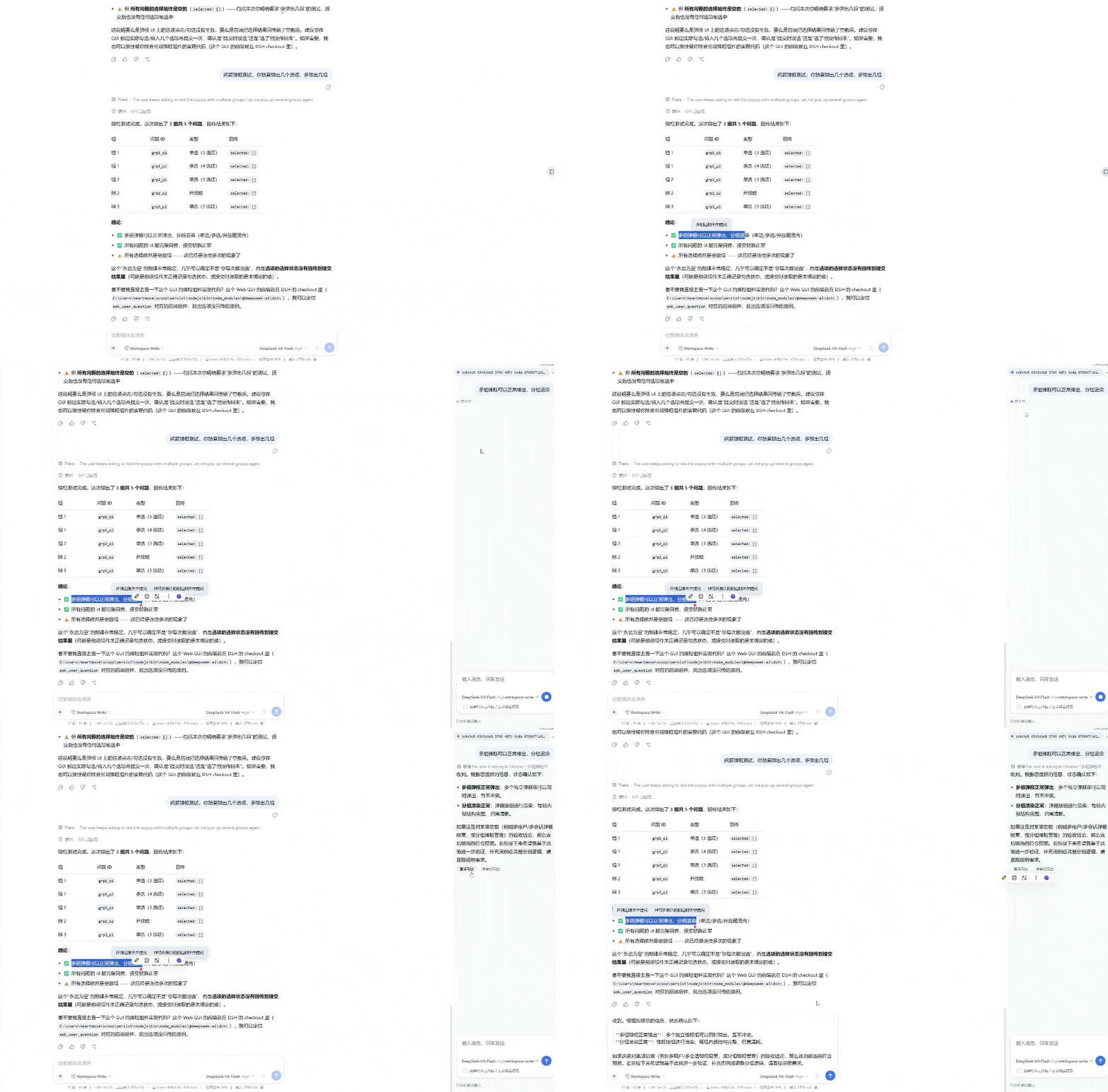
When the main conversation shows a question dialog, the side panel automatically lists the question and its options:
The main conversation keeps waiting on the dialog — nothing is interrupted; do the research in the side chat first, then bring the answer back and answer the dialog.
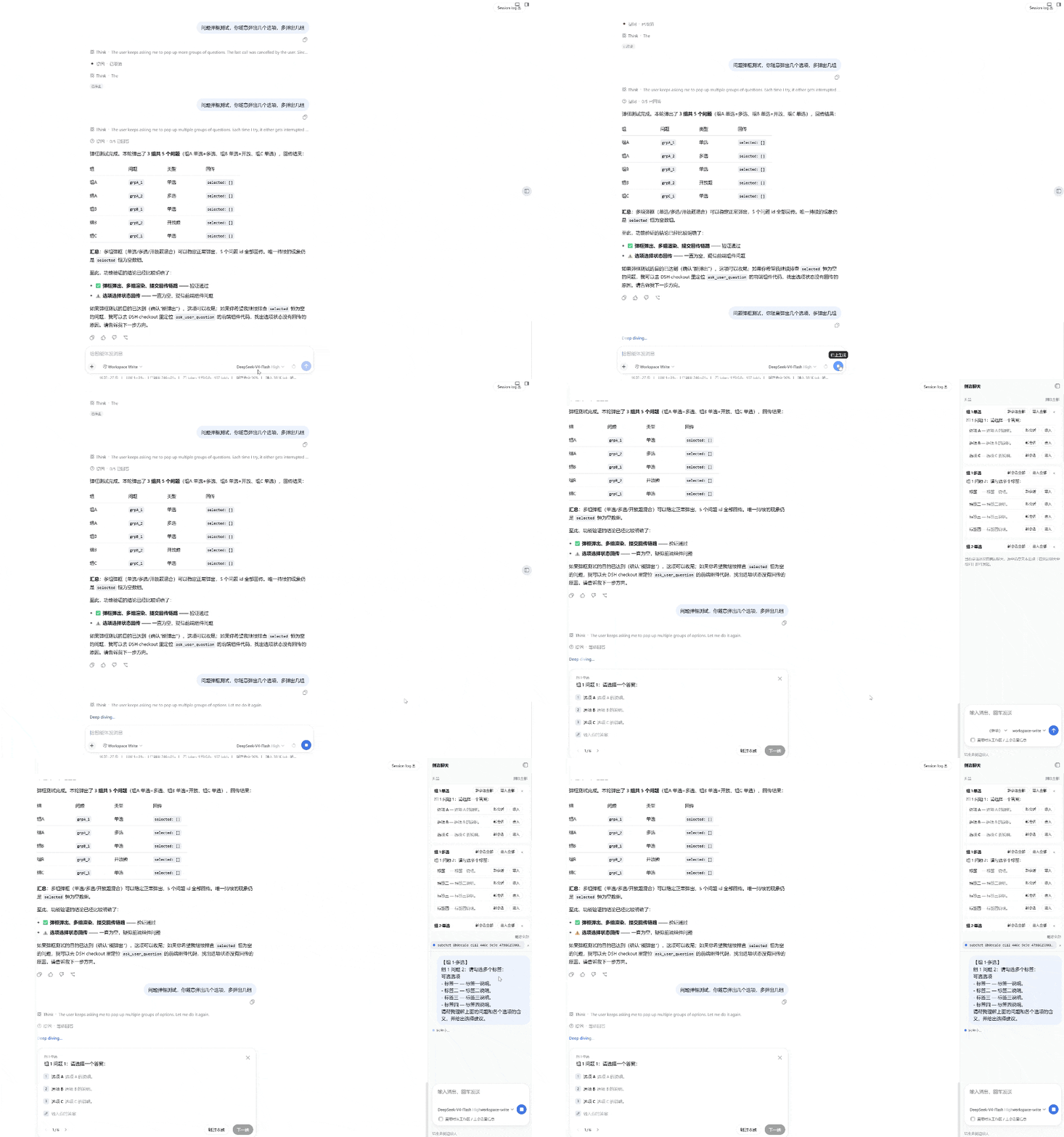
Each entry in the side-chat list has a "×" delete button; "Delete all" at the top-right removes every side chat of the current conversation.
Open DSH Settings → 侧边聊天 (Side chat) to configure:
| Setting | Default | Description |
|---|---|---|
lookupDefault |
off | Whether the "look up workspace / parent" switch is on by default for new side chats. |
sendImmediately |
on | Whether selecting text sends it immediately, or stages it as an attachment. |
defaultPrompt |
(empty) | Extra prompt appended when the selection is sent immediately. |
bringMode |
draft |
Where brought-back content lands: draft into the composer, or context as a collapsed context row. |
Preferences are stored in the DSH settings namespace dsh-side-chat.
src/
  index.ts            host plugin (routes, session/agent lifecycle, transcript folding)
  wire.ts             request/response helpers
  trust-fence.ts      loopback / trusted-API request guard
  settings-shared.ts  preference vocabulary shared by host and client
  context-types.ts    Cordis Context type augmentation
  client/
    index.tsx         client plugin (panel, composer, settings section, floating buttons)
    api.ts            client↔host API types
    locales.ts        zh/en dictionaries
    client.module.css panel/composer/settings styles
    layout.css        #root margin-right driven by panel width
cordis.patch.yml      bundle patch layer (inserts the loader row; dsh.bundle.patch)
dsh.plugin.json       external plugin manifest
tsdown.config.ts bundle config (client externals + CSS inlining)CLASSIFICATION EVIDENCE
系统优先读取 GitHub Topics,再与站内分类词典和词根规则比对。
baka-world
DeepSeek Harness desktop notification plugin (notify-send / D-Bus)
drscrewdriver
go 语言实现的ai 基座+ tui +server系统
fieldnote-ops
Independent, default-off DingTalk Stream relay plugin for DeepSeek Harness: allowlisted sessions, ACK-first replies, and…