界面增强
完整应用
dsh-desktop
Jedeiah
DeepSeek Harness 桌面端(macOS):双击即用的官方 dsh「壳」应用。内置 Node 与完整依赖闭包,电脑无需安装任何环境;跟随上游自动更新、干净卸载、局域网手机/平板浏览器访问。
ai-agentdeepseekdesktop-appdsh-plugin
PROJECT TOPICS
PROJECT README
English | 中文
Aqua is a highly customizable glassmorphism theme for the DeepSeek Harness web UI. The header, sidebar, composer, stats line, and trajectory view all become panes of frosted glass. Switch it off and the stock UI comes back exactly, with no source changes to DSH itself.
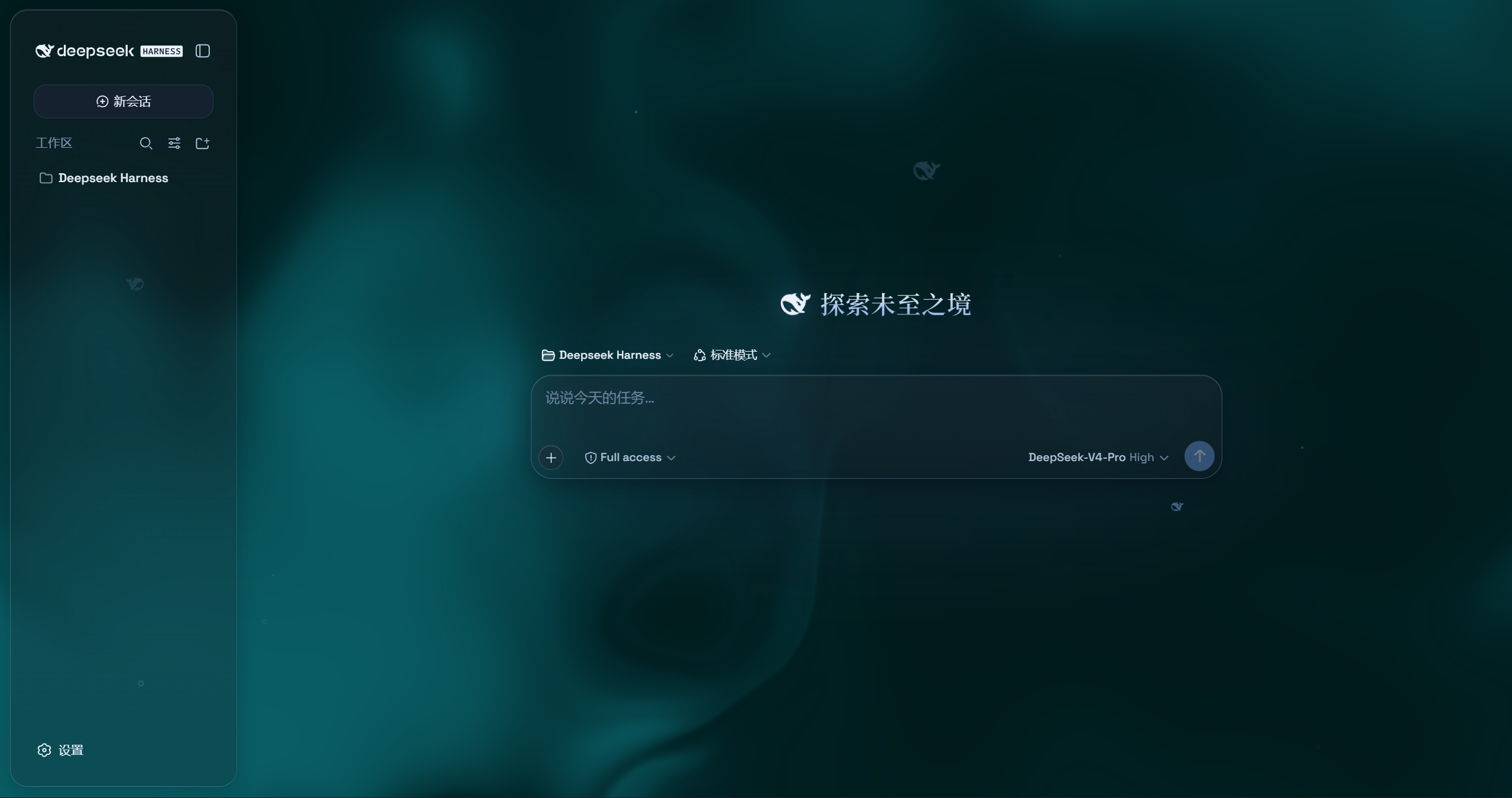
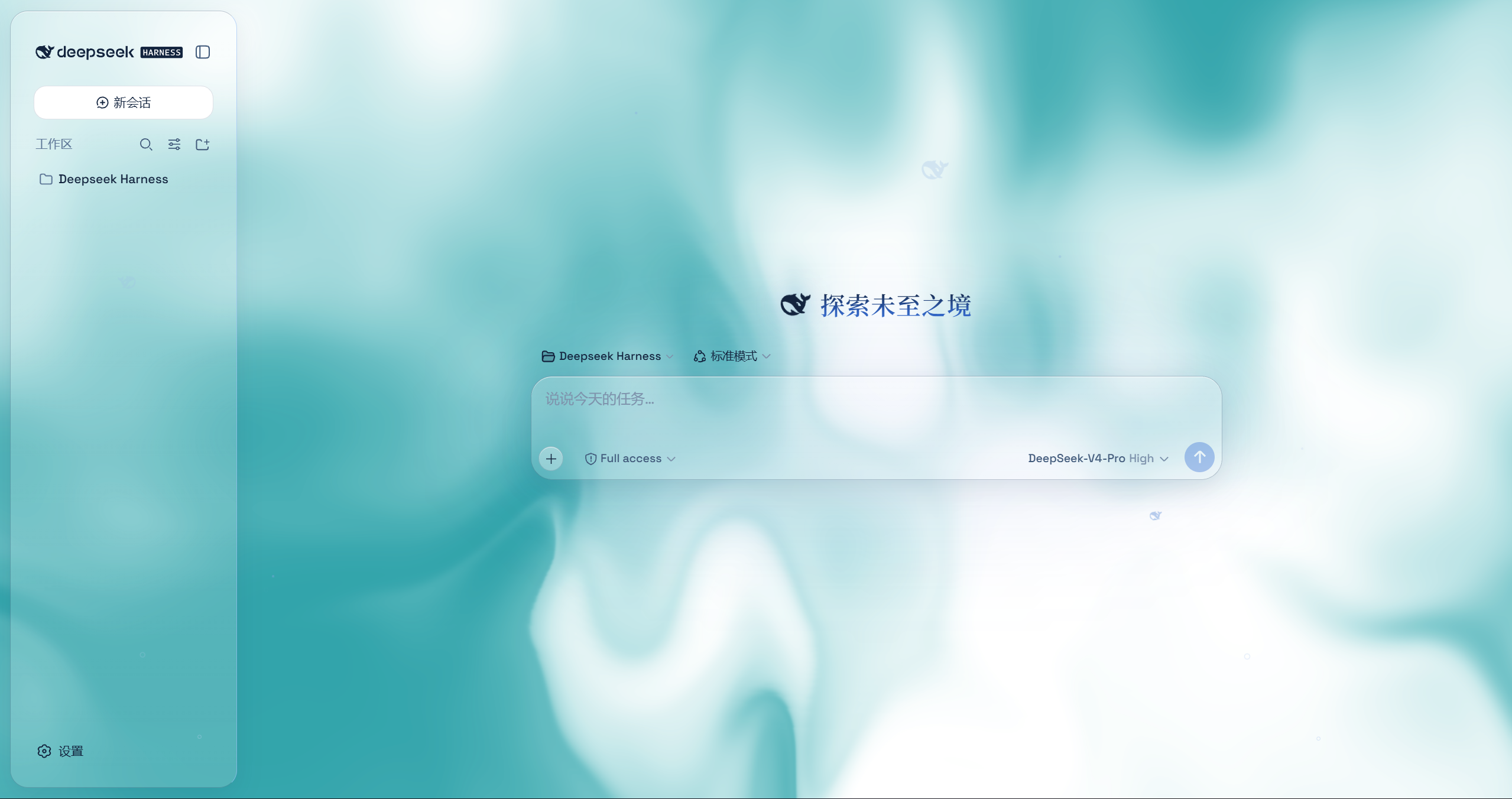
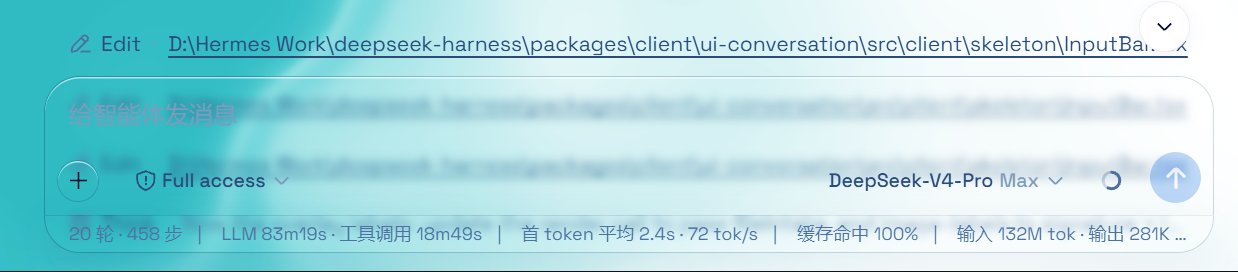
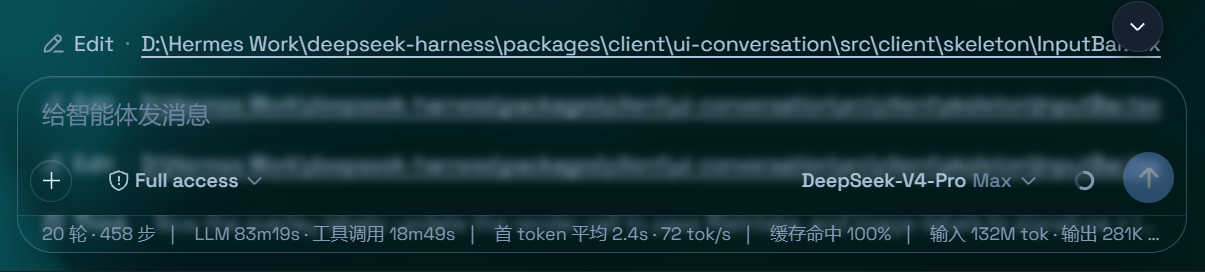
powershell -ExecutionPolicy Bypass -Command "Invoke-WebRequest 'https://github.com/WYH66666666/DSH-Transparent-UI-Plugin/raw/main/install.ps1' -OutFile install.ps1; .\install.ps1"Installs the latest release by default. No git needed — the installer falls back to a plain zip download. It links the plugin into the profile's node_modules and registers ui-aqua in cordis.patch.yml (idempotent — safe to run again). Reload the web UI and it is on.
Pin a version or track the dev branch:
.\install.ps1 -Version 'v1.1.0'   # a specific release
.\install.ps1 -Version 'main' # the development branchgit clone --depth 1 --branch v1.1.0 https://github.com/WYH66666666/DSH-Transparent-UI-Plugin.git
ln -s "$PWD/DSH" "$DSH_HOME/profiles/node_modules/@deepseek-ai/dsh-client-ui-aqua"then append to $DSH_HOME/profiles/web/cordis.patch.yml:
- insert:
    - id: ui-aqua
name: '@deepseek-ai/dsh-client-ui-aqua'Reload the web UI. Aqua is on by default; the master switch lives in Settings → Plugins → Glass theme (same shape as the other plugin cards), and every other control sits directly under Settings → General → Appearance (no title of its own): mode, blur/frost (Mica mode), fluid color, background brightness, backdrop (fluid/wallpaper) with its wallpaper controls, and the particle-whale toggle. With the master switch off, the whole control block under Appearance is hidden.
CLASSIFICATION EVIDENCE
系统优先读取 GitHub Topics,再与站内分类词典和词根规则比对。
Jedeiah
DeepSeek Harness 桌面端(macOS):双击即用的官方 dsh「壳」应用。内置 Node 与完整依赖闭包,电脑无需安装任何环境;跟随上游自动更新、干净卸载、局域网手机/平板浏览器访问。
awa-123-cw
DeepSeek Harness WebUI 动效美化插件:聊天背景黑客帝国代码雨,雨字内容 = 当前会话 AI 思考链(流式实时),设置页调色盘 + 全套 DIY
baiyun200
DSH 插件看板 · DeepSeek Harness 插件生态可视化(shadcn/ui,每日自动构建部署)