其他
技能
dsh-web-search-ddg
aooyoo
Zero-token DuckDuckGo search provider for the DeepSeek Harness (DSH) web seam — local headless browser, no API key, no m…
deepseek-harnessdeepseek-harness-plugindsh-bundledsh-ctest
PROJECT TOPICS
PROJECT README

English | 中文
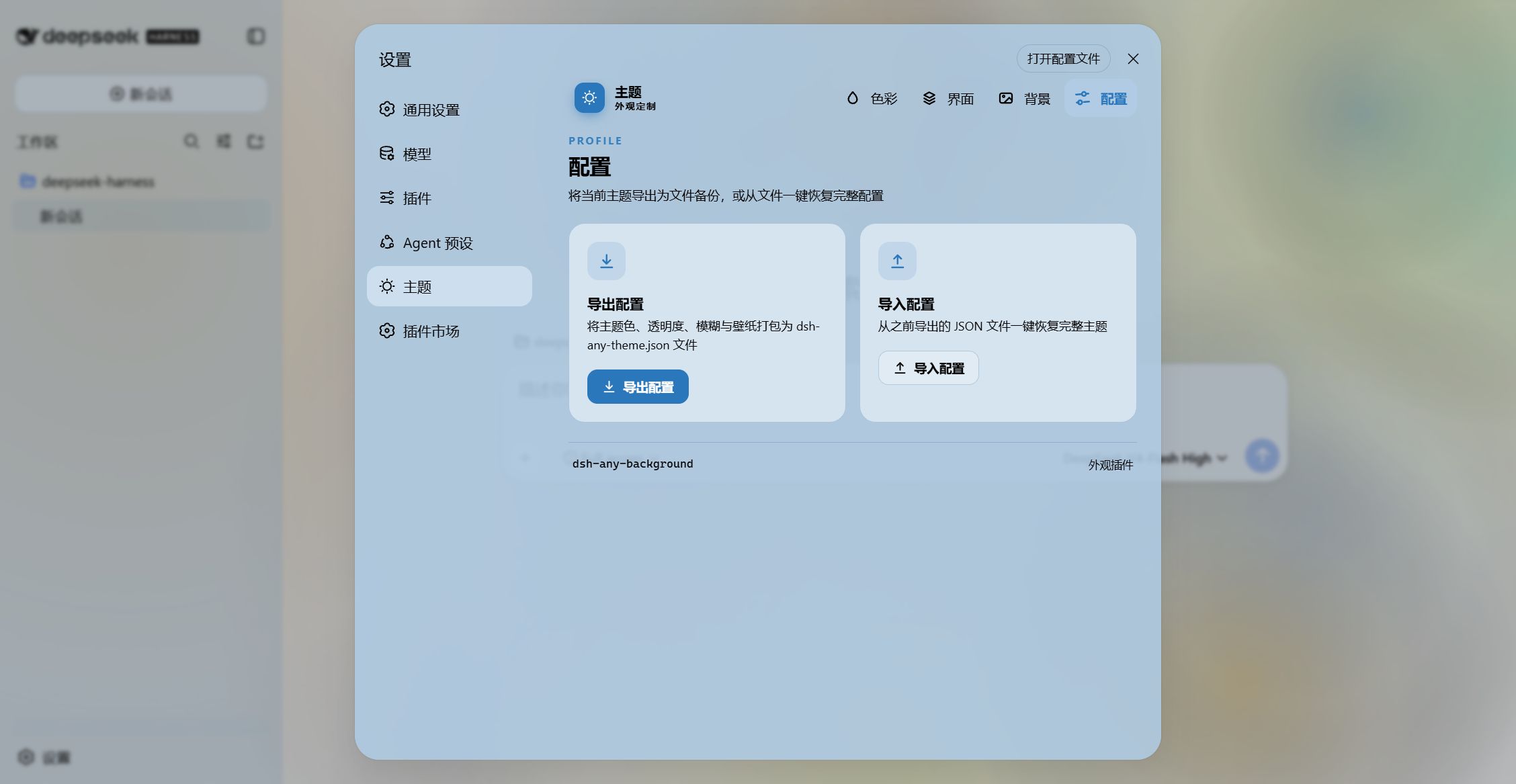
A DeepSeek Harness appearance plugin that lets you fully customize the Web UI with a custom theme color, background wallpaper, and fine-grained opacity controls.
~/.dsh/.dsh-any-background-data/ via the node half, and restored on next launch. No more localStorage quota worries.dsh-any-background/
├── package.json # Package metadata, dsh.client declaration, dependencies
├── cordis.patch.yml # Bundle patch layer (inserted into profile composition)
├── cordis.yml # Patch overlay for dev usage (pnpm dsh web --patch)
├── tsdown.config.ts # Build config: node-half (ESM) + client-half (CJS browser bundle)
├── src/
│ ├── index.ts # Node half — file-backed persistence (RPC file store)
│ ├── invariant.ts # Invariant companion (registers package ownership)
│ └── client/
│ └── index.tsx # Browser half — ALL UI logic lives here
├── lib/ # Built output, committed so installs need no build step
│ ├── index.js # Node entry
│ ├── invariant.js # Invariant entry
│ ├── client.js # Browser bundle (wrapped for __ModuleLoader__)
│ └── client.js.map # Source map
├── example_img/ # Example screenshots
├── README.md # This file (English)
└── README.zh.md # 中文版The plugin is a Cordis plugin split into two halves:
src/index.ts) — owns file-backed persistence. It manages the .dsh-any-background-data/ store under the DSH data home (~/.dsh/) and exposes a small RPC surface over the shared /api channel.src/client/index.tsx) — all UI logic lives here. The browser cannot touch the filesystem, so it reads/writes the store through the node half's RPC endpoints.Since the plugin surfaces in the browser, persisted data is stored on disk by the node half:
~/.dsh/.dsh-any-background-data/
├── theme-config.json   # color, main/settings/wallpaper opacity, blur, bg edit state
└── wallpaper.jpg # the chosen background image (deleted when removed)read, which returns the config and (if present) the wallpaper as a data URL.theme-config.json; changing the wallpaper writes wallpaper.jpg, removing it deletes the file.┌─────────────────────────────────────────────────────────┐
│ apply(ctx) — Plugin entry point │
├─────────────────────────────────────────────────────────┤
│ │
│ 1. Restore saved color → registerCustom() → setTheme │
│ 2. Inject gradient <style> into <head> │
│ 3. Create state store (defineStore) │
│ 4. applyWp() → wallpaper + token overrides │
│ 5. Listen theme/change → re-apply │
│ 6. ResizeObserver → viewport-aware re-positioning │
│ 7. Locale registration (zh/en) │
│ 8. Settings section injection (ThemeSection) │
│ 9. Deferred boot restore (300ms, 1500ms) │
│ 10. Theme watchdog (1s interval) │
│ │
└─────────────────────────────────────────────────────────┘<canvas> element: hue ring (360° segments) + inscribed SL square (HSV S-V plane).hitTest() determines whether a click lands on the ring (hue) or square (saturation/lightness).hsvToHsl() before passing to genTokens().genTokens() generates 30+ CSS custom properties (--dsw-alias-*) for the picked color, choosing dark or light scheme based on lightness.<body>, so the theme color never depends on the theme service's timing.
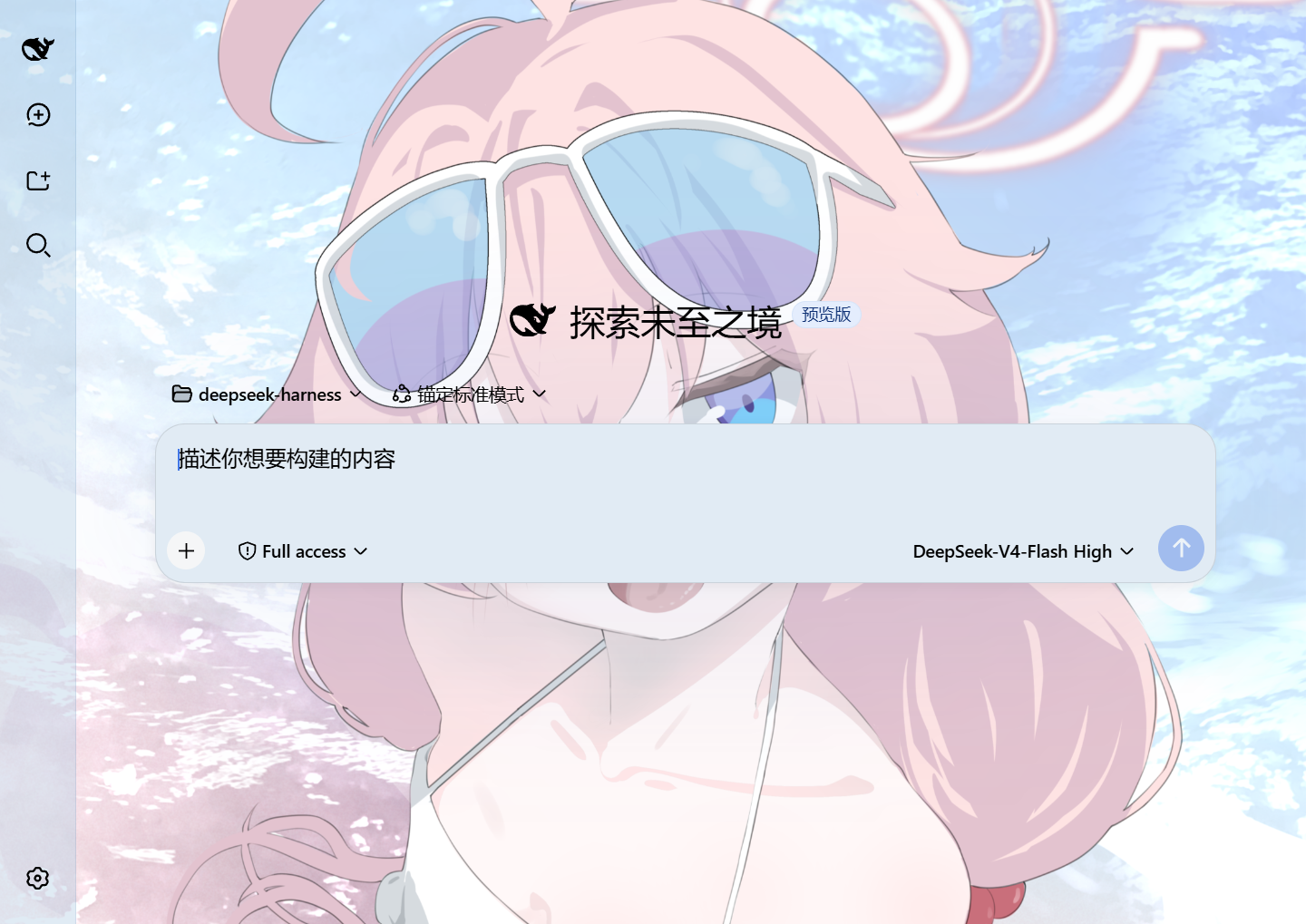
Blue theme · Light · Default dark font

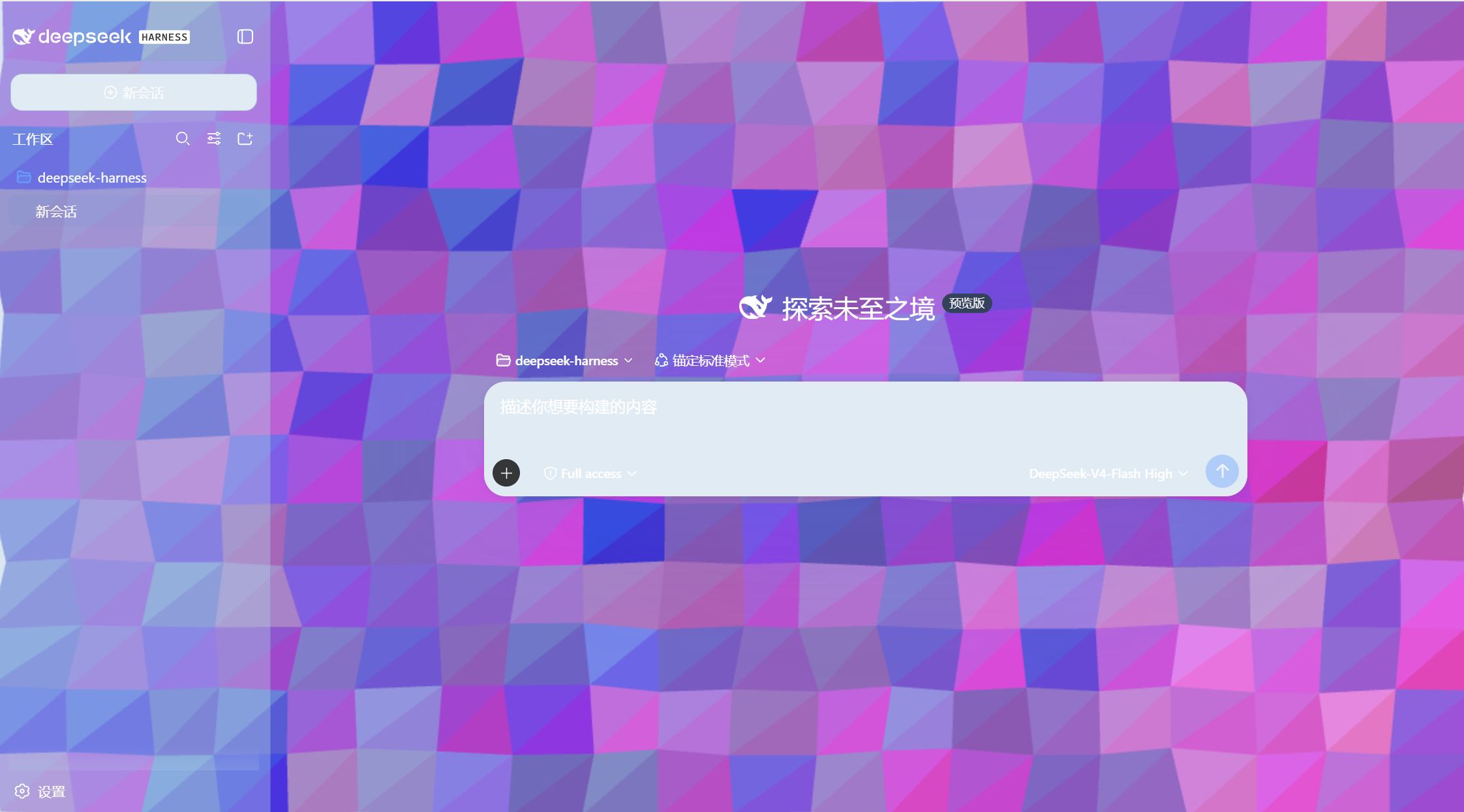
Pink theme · Dark · Default light font
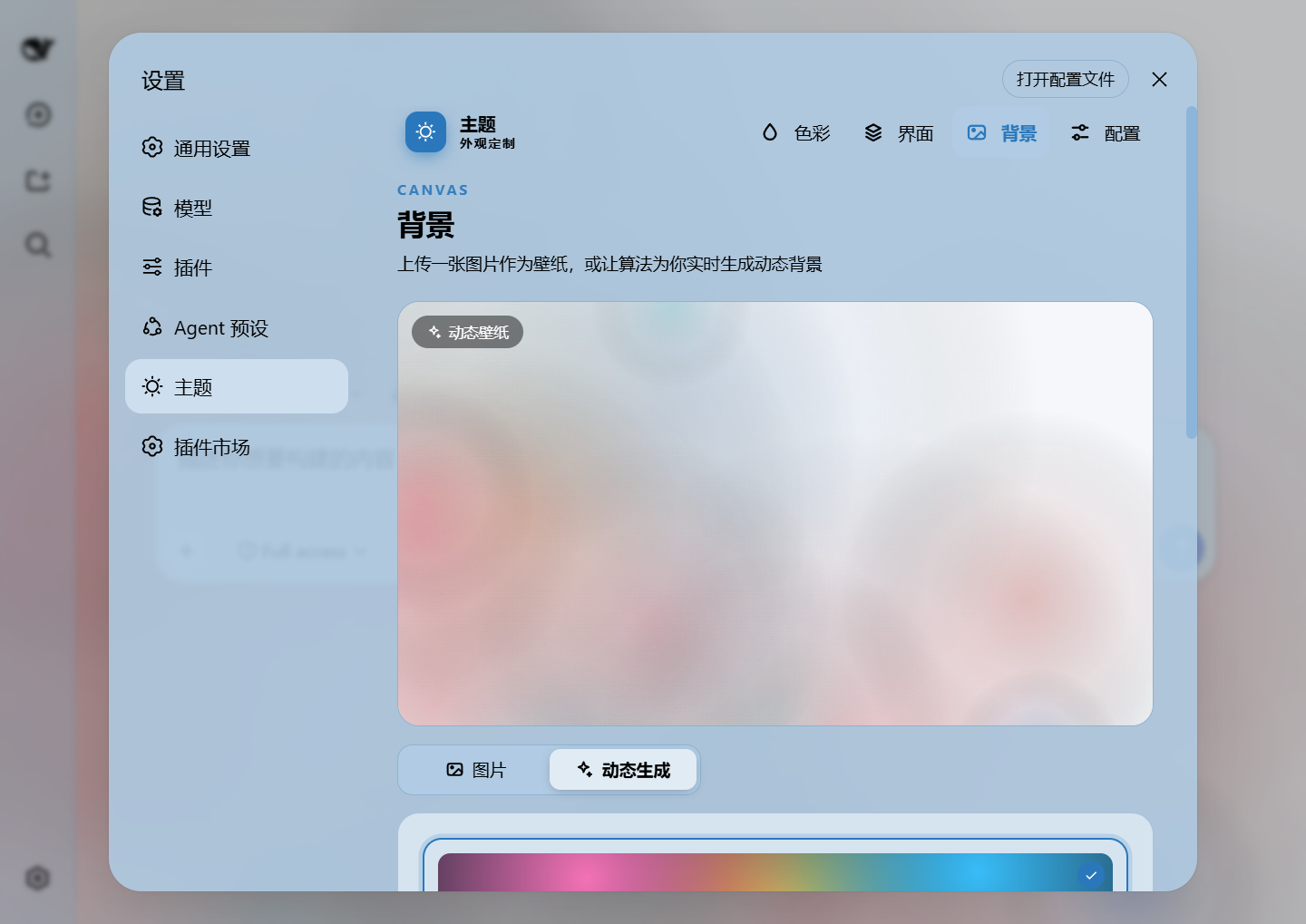
<div> with position:fixed; z-index:-1 is prepended to <body>.~/.dsh/.dsh-any-background-data/wallpaper.jpg, and the client keeps the data URL in memory for display.<div> element; background color opacity is applied via inline token overrides.
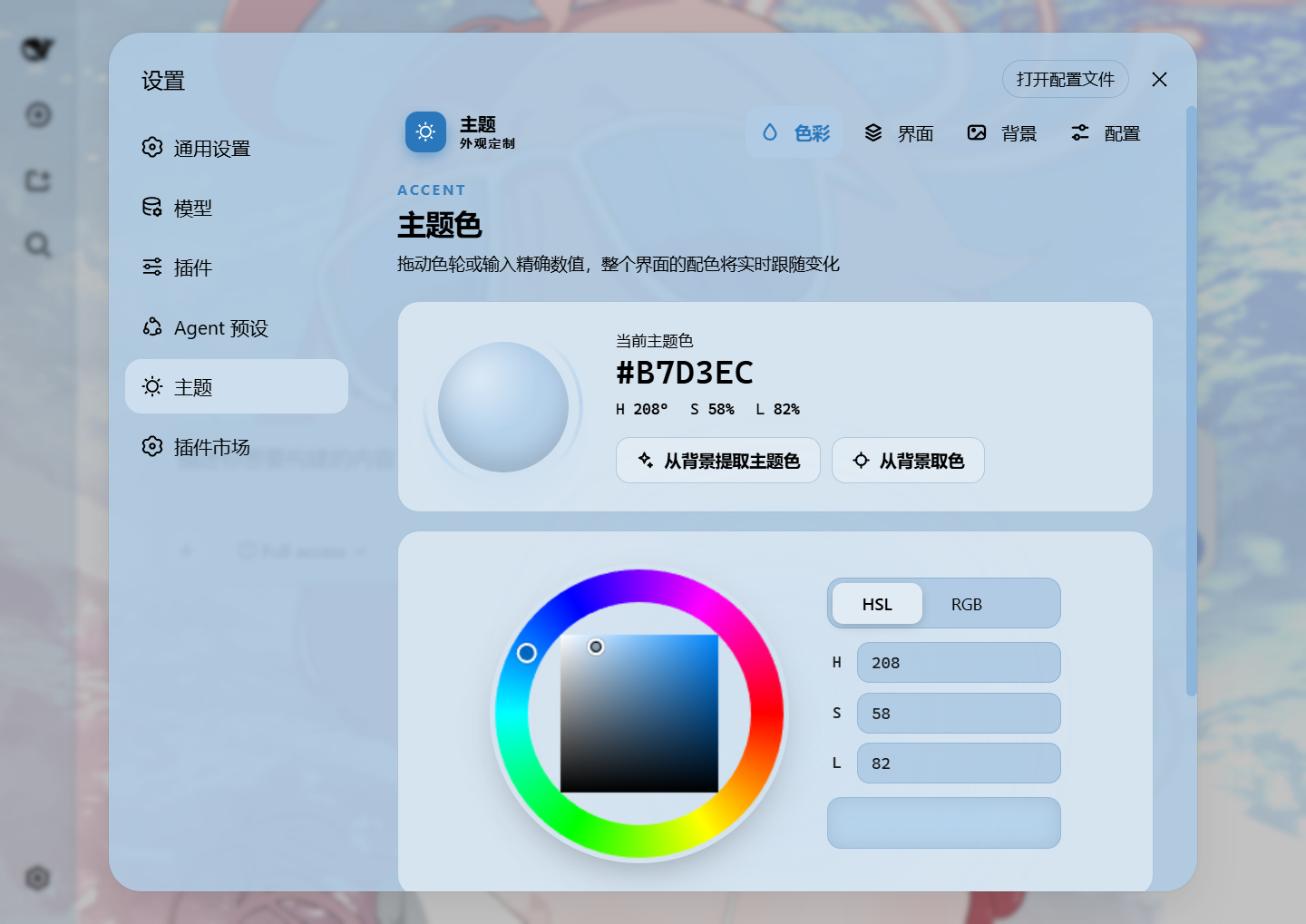
Wallpaper opacity and blur adjustment
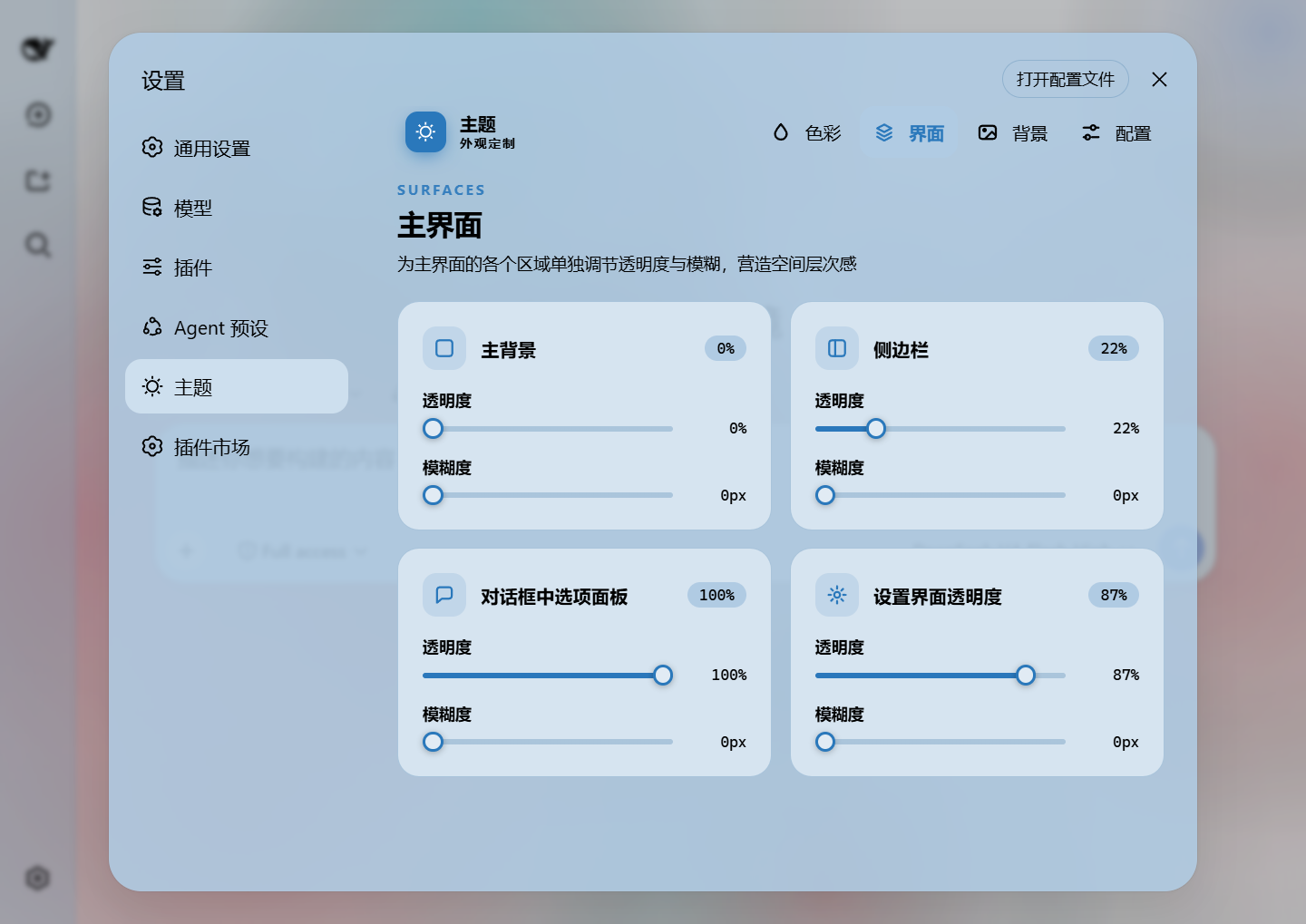
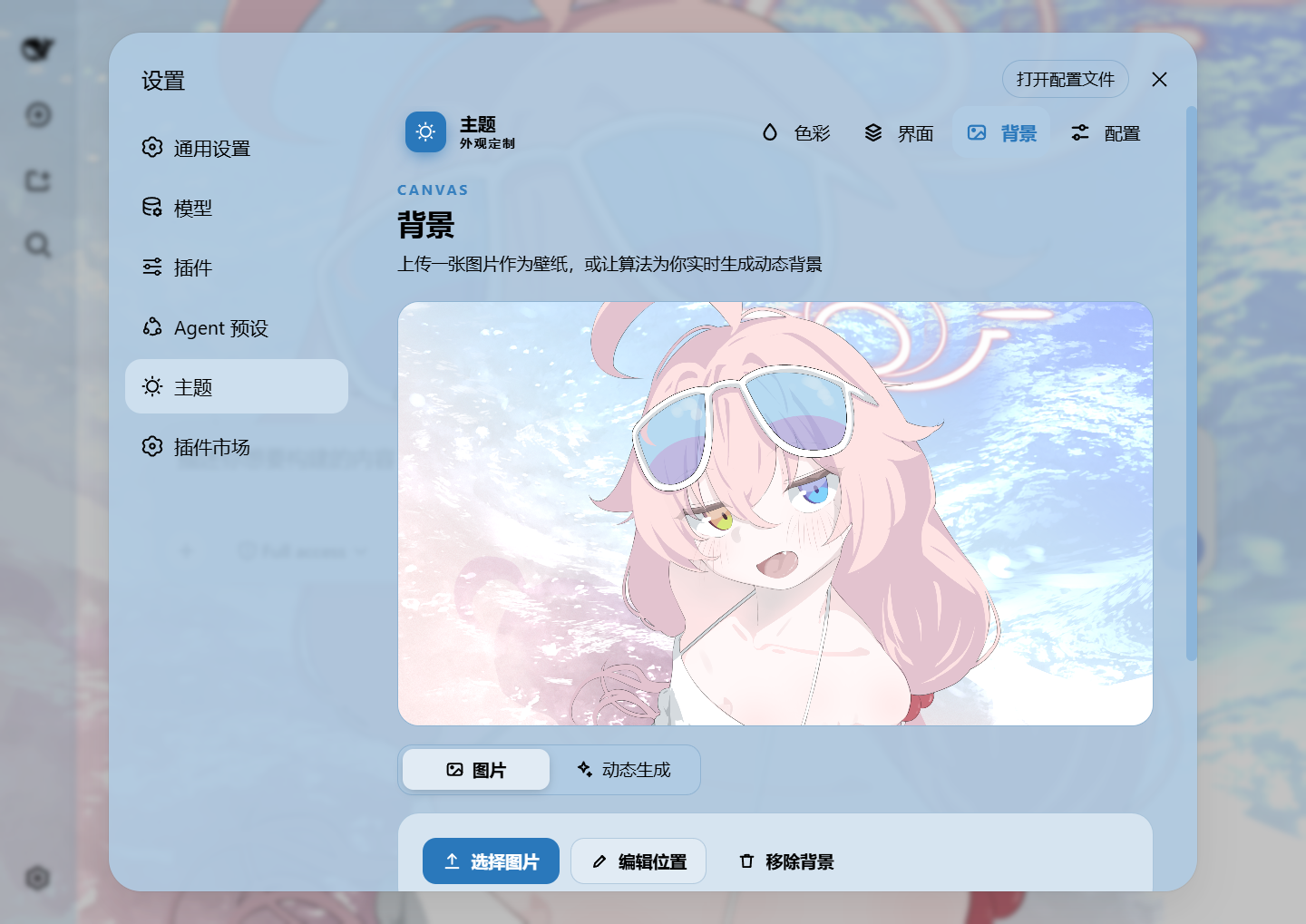
Editor adjustment · Background mapping
Three independent opacity layers, each with its own slider and a persisted config field:
| Layer | Config field | Default | Mechanism |
|---|---|---|---|
| Main interface | opacity |
85% | Inline CSS variable on <body> |
| Settings panel | settingsOpacity |
100% | CSS variable on <html> via [aria-modal] selector |
| Wallpaper | wallpaperOpacity |
100% | Direct style.opacity on wallpaper <div> |

Settings opacity 100% · Settings opacity 49%

Main interface opacity 100% · Main interface opacity 0%

Wallpaper opacity 0% · Wallpaper opacity 100%

Wallpaper blur 50% · Wallpaper blur 0%
Install the plugin directly from GitHub into your Web profile:
dsh plugin --profile web add github:Tkingxiao/dsh-any-backgrounddsh plugin --profile web add dsh-any-backgroundThen launch the Web UI:
dsh webThe plugin will appear as a "Theme" section in the Settings panel.
If you don't have dsh installed globally, use npx:
npx @deepseek-ai/dsh plugin --profile web add github:Tkingxiao/dsh-any-backgroundnpx @deepseek-ai/dsh plugin --profile web add dsh-any-backgroundThen launch:
npx @deepseek-ai/dsh webThe lib/ directory is committed, so installs need no build step. To rebuild after
editing src/, run the bundle script (needs Node + pnpm):
# 1. Clone this repo
git clone https://github.com/Tkingxiao/dsh-any-background.git
cd dsh-any-background

# 2. Install the build tool (also pulls the @deepseek-ai/dsh-home-paths runtime dep)
pnpm install

# 3. Rebuild lib/
pnpm run bundle

# 4. Install the plugin into the web profile from the local checkout
#    (`dsh plugin add` wraps `pnpm add <dir>`, so point it at this directory)
cd .
pnpm dsh plugin --profile web add “dsh-any-background”

# 5. Launch
pnpm dsh webThe plugin works on both the Web UI and the desktop client:
dsh web — Web profile, full support.| Package | Purpose |
|---|---|
@deepseek-ai/cordis |
Plugin framework (Cordis) |
@deepseek-ai/dsh-home-paths |
Resolve the DSH data home for the persistence store |
@deepseek-ai/dsh-client-runtime |
Client runtime + defineStore |
@deepseek-ai/dsh-client-locale |
i18n (Chinese/English) |
@deepseek-ai/dsh-client-ui-theme |
Theme service (register/setTheme/overrideTokens) |
@deepseek-ai/dsh-invariants |
Package invariant companion |
react ^18.2.0 |
UI rendering |
MIT
CLASSIFICATION EVIDENCE
系统优先读取 GitHub Topics,再与站内分类词典和词根规则比对。
aooyoo
Zero-token DuckDuckGo search provider for the DeepSeek Harness (DSH) web seam — local headless browser, no API key, no m…
awa-123-cw
DSH 图片/音视频托管插件:自动拉起 8899 静态服务 + 3080 /files/ 路由(HTTP Range 流式)+ WebUI 内点击即播(视频静音/音频 20% 音量/互斥懒加载)
awa-123-cw
DSH 设置页「关于」栏位 + 一键检测更新插件(About page with update checking for DeepSeek Harness WebUI)