安全与治理
渠道适配
dsh-plugin-approval-alert
doncelee229-cmyk
DeepSeek Harness 审批/选择方案系统级通知提醒,显示工作区名、点击跳转、多语言。Approval & decision alerts with native notifications for DeepSeek Harnes…
approvaldeepseek-harnessdsh-pluginnotification
TecFancy/dsh-auth-gate
Login gate for the DeepSeek Harness (dsh) web surface: password or shared-token authentication, session cookies, rate limiting, and a user-management CLI. | DeepSeek Harness (dsh) 网页版登录门插件:账号口令或共享令牌认证、会话 cookie、登录限速,附用户管理 CLI。
PROJECT TOPICS
PROJECT README
English | 简体中文
A login door for your DeepSeek Harness (dsh) web instance. Put it in front of a public dsh deployment and nobody can reach your agents, your chat sessions, or your LLM credentials without signing in first.
Everything needs a login. Every page, API call, and WebSocket connection
is checked. Visitors without a valid session are sent to a simple login page
(or rejected with 401 for API/script requests).
Two ways to sign in (pick one in the configuration):
Works for browsers and scripts. Browsers use the login page; scripts and
curl can pass Authorization: Bearer <token> and skip the page entirely.
Safe by default. Passwords are stored hashed, logins are rate-limited (repeated wrong attempts temporarily lock the address), session cookies are secure, and any missing or broken configuration blocks access instead of silently opening the door.
A small command-line tool for managing users:
dsh-auth user add admin --password-stdin   # add a user
dsh-auth user list                          # list users
dsh-auth user disable admin # block a user's future logins# 1. Install the plugin from npm into your dsh profile.
# Since 0.4.1 the package declares a `dsh.bundle` manifest, so `dsh plugin add`
# also registers the mount (dsh.profile.bundles) automatically:
dsh plugin --profile web add dsh-auth-gate
# 2. Create an admin account
printf '%s\n' 'choose-a-strong-password' | dsh-auth user add admin --password-stdin
# 3. Turn on password login: override the plugin config in $DSH_HOME/cordis.patch.yml
# (a ready-to-use config-override template ships in deploy/cordis.patch.yml;
# see Configuration below — the mount itself needs no manual patch row)
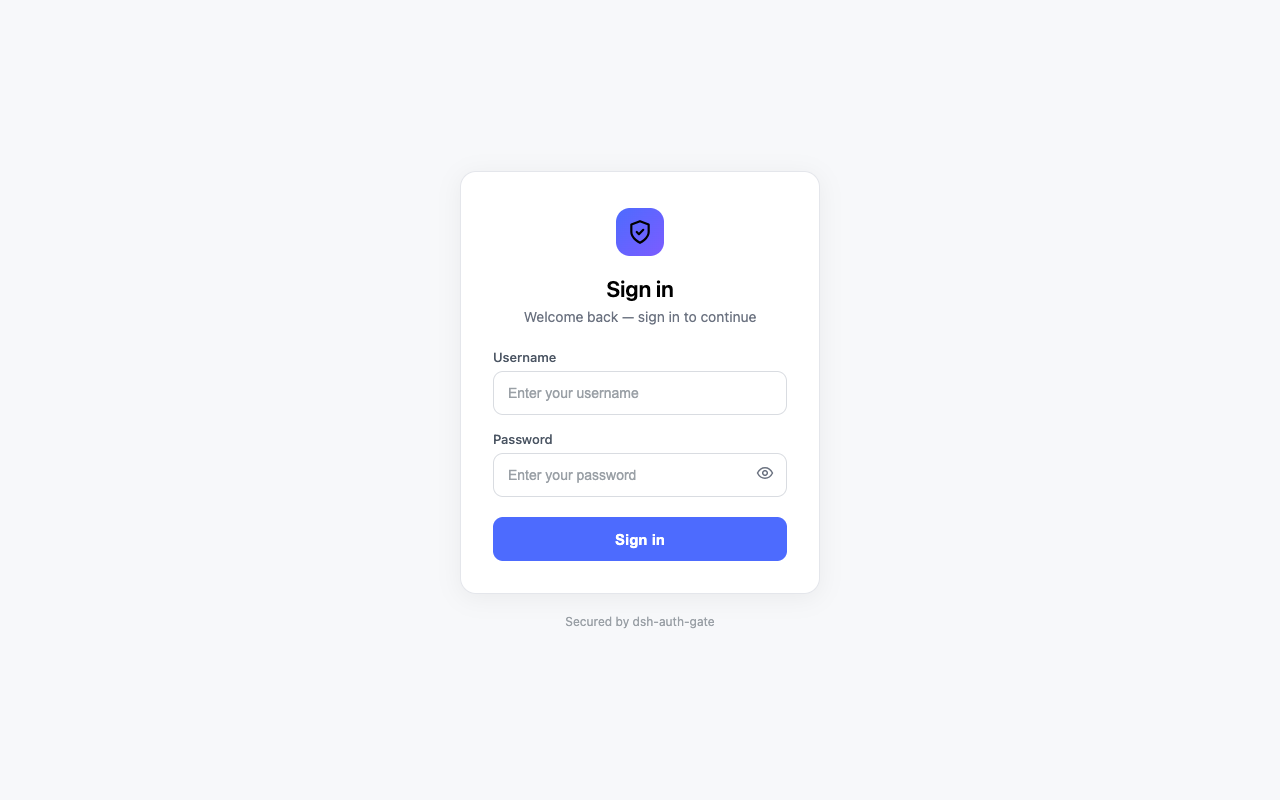
# 4. Restart dsh. Open your site — you will be asked to sign in.Visitors without a session are sent to the login page:
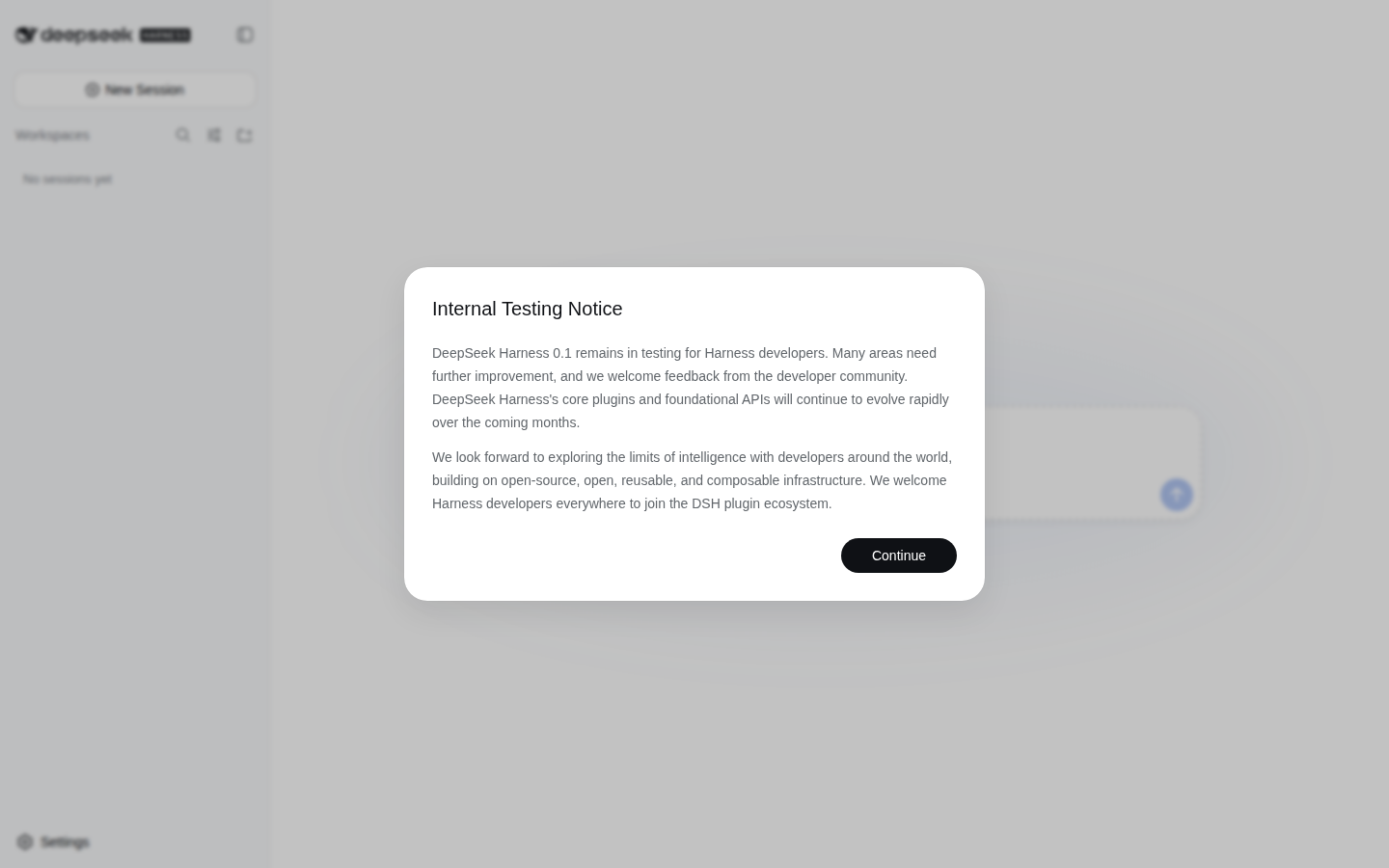
After signing in, they land on your instance:
The bundle mount (id dsh-auth-gate, inserted by dsh plugin add) uses the
default config: mode: "token" backed by the DSH_AUTH_TOKEN environment
variable. To change it, override the config in $DSH_HOME/cordis.patch.yml
(or the profile's cordis.patch.yml — a ready-to-use override template ships
in deploy/cordis.patch.yml). The override targets the mounted row by id
(no insert — adding one would double-mount the plugin):
- id: dsh-auth-gate
  config:
    mode: "password" # "password" (recommended) or "token"
cookieSecure: true # keep true when you use https| Option | Default | What it does |
|---|---|---|
mode |
"token" |
"password" = username/password login; "token" = one shared secret |
sessionTtl |
604800 |
How long a login lasts (seconds) before you must sign in again |
cookieName |
dsh_auth |
Name of the session cookie (rarely needs changing) |
tokenRef |
"DSH_AUTH_TOKEN" |
Token mode only: which environment variable holds the shared secret |
cookieSecure |
true |
Set to false only if you are testing over plain http |
usersFile |
"" |
Password mode: where your user list lives. Defaults to $DSH_HOME/auth/users.yaml |
403s behind a proxy,
and why auth alone doesn't fix them), and the recommended semi-shell
topology.docs/deployment.md — ops checklist, acceptance steps
(A–I) and troubleshooting. Chinese version:
docs/deployment_zh.md.web profile running (dsh --profile web).cookieSecure is true, your site must be served over https (browsers
refuse secure cookies on plain http)./auth/logout?next=/ to sign out..credentials.yaml and auth/users.yaml are created with
0600 permissions).CLASSIFICATION EVIDENCE
系统优先读取 GitHub Topics,再与站内分类词典和词根规则比对。
doncelee229-cmyk
DeepSeek Harness 审批/选择方案系统级通知提醒,显示工作区名、点击跳转、多语言。Approval & decision alerts with native notifications for DeepSeek Harnes…
evanfang0054
为 DeepSeek Harness 提供基于 Tailscale 的安全远程访问运营面板:一键健康检查、HTTPS 入口开关、macOS 代理绕过、中继服务器运维、ACL 生成。Tailscale remote-access contro…
fieldnote-ops
Independent macOS Keychain credential provider for DeepSeek Harness, with a signed and notarized universal helper.