生活娱乐
插件
dsh-web-speech-input
leozou320-ai
Voice-to-text for the DeepSeek Harness Web UI — live, editable, never auto-sends. | DeepSeek Harness 网页语音输入
accessibilitydeepseekdeepseek-harnessdsh-plugin
PROJECT TOPICS
PROJECT README
English | 简体中文
dsh-timeline-studio-plugin connects DeepSeek Harness to Timeline Studio's deterministic .timeline command layer. It also bundles the edit-timeline-studio Agent Skill, so the agent receives both executable tools and the workflow rules needed to use them safely.
This plugin is built on Timeline Studio. Timeline Studio is the core video editor behind the visual timeline, media processing, browser-local AI capabilities, and complete creation experience. This repository provides the agent automation bridge between that editor and DeepSeek Harness. To explore the full product, see the editor UI, or contribute to its core features, visit the Timeline Studio main repository.
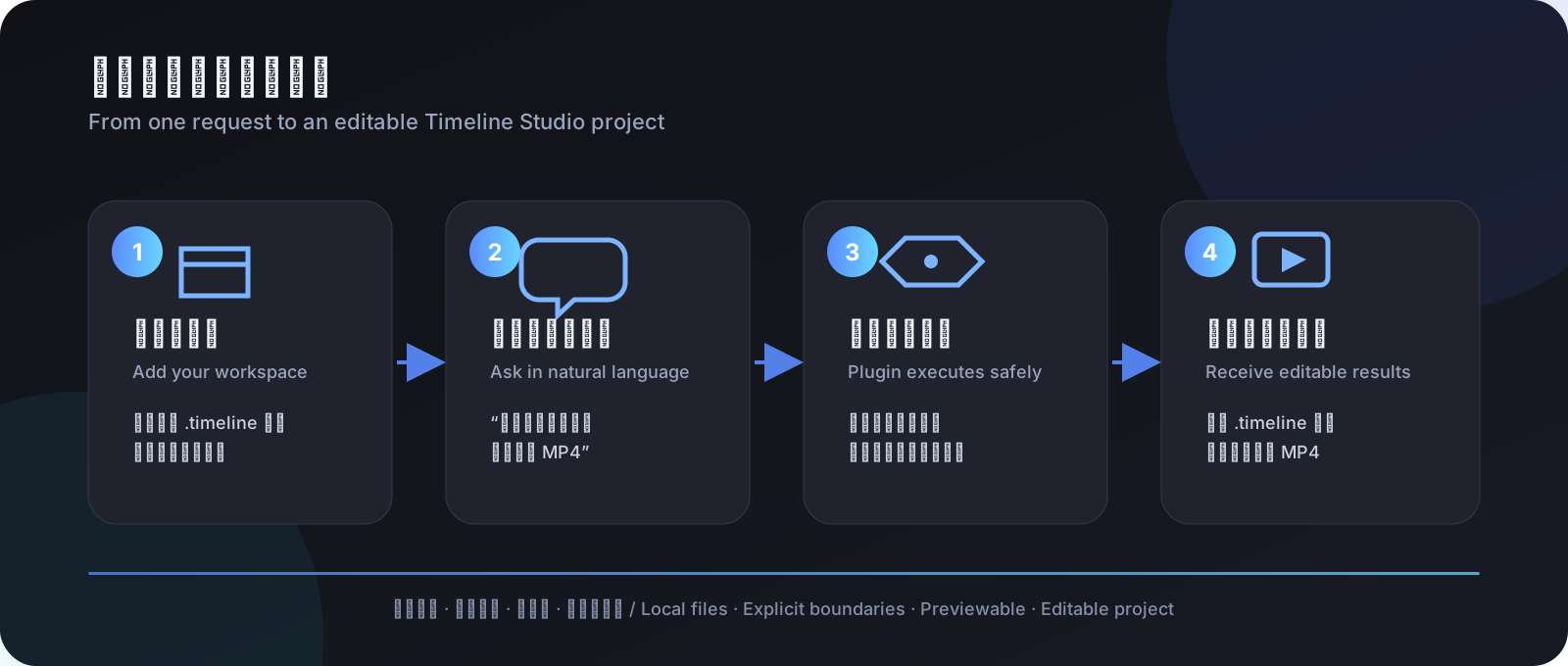
This is not another video-editor interface. It is an action bridge between DeepSeek Harness and Timeline Studio. Describe the result you want in Harness, and the agent can inspect a local .timeline project, preview changes before applying them, and produce a new editable project plus an MP4. The source project is not overwritten by default.
Don't have Timeline Studio yet? Start with the Timeline Studio main repository to get the editor. This plugin does not replace the editor runtime; it calls the .timeline command and rendering capabilities provided by the main project.
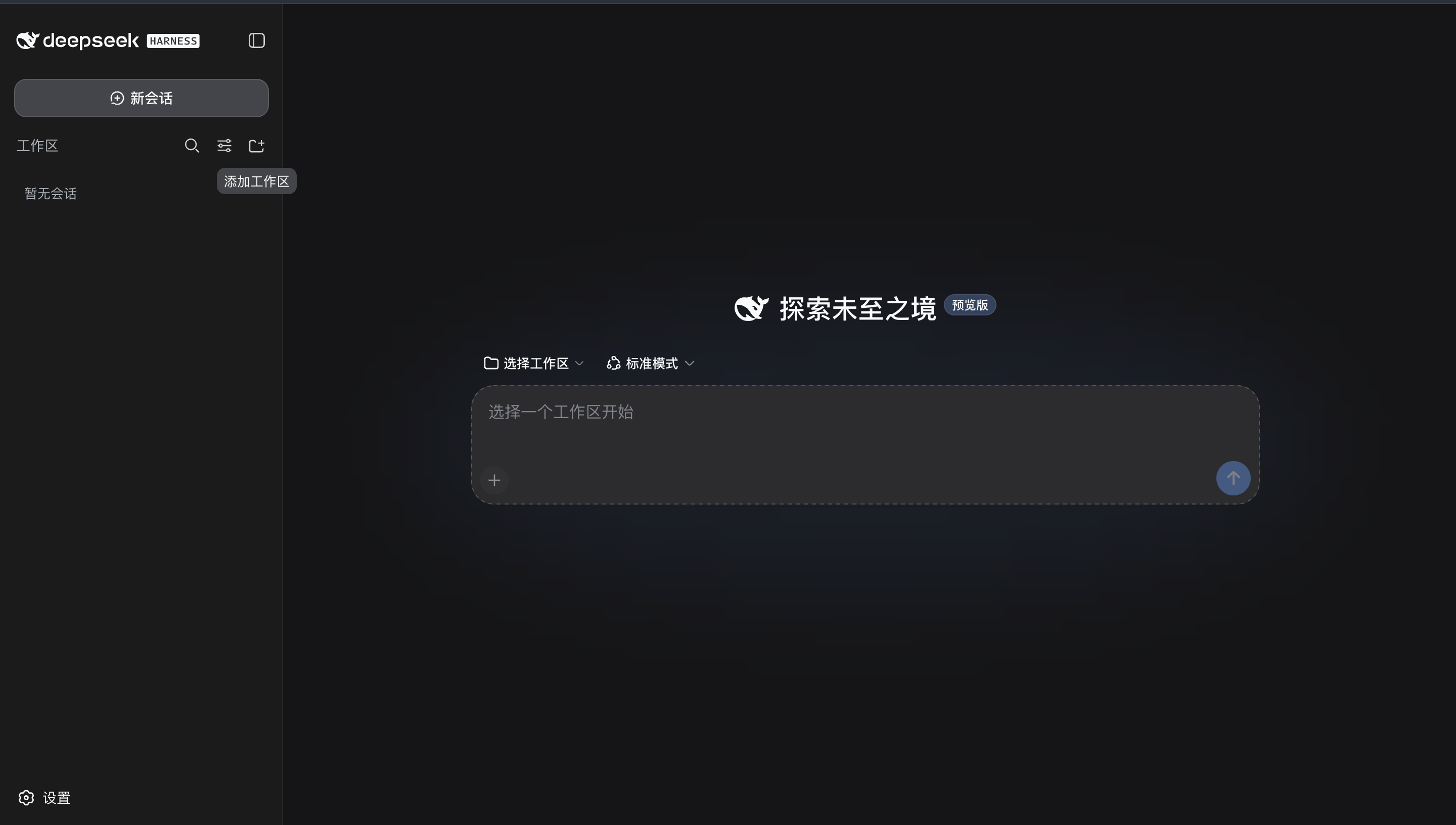
The screen above is where you begin:
.timeline project and media.Open Settings → Plugins → Plugin list, then search for timeline:
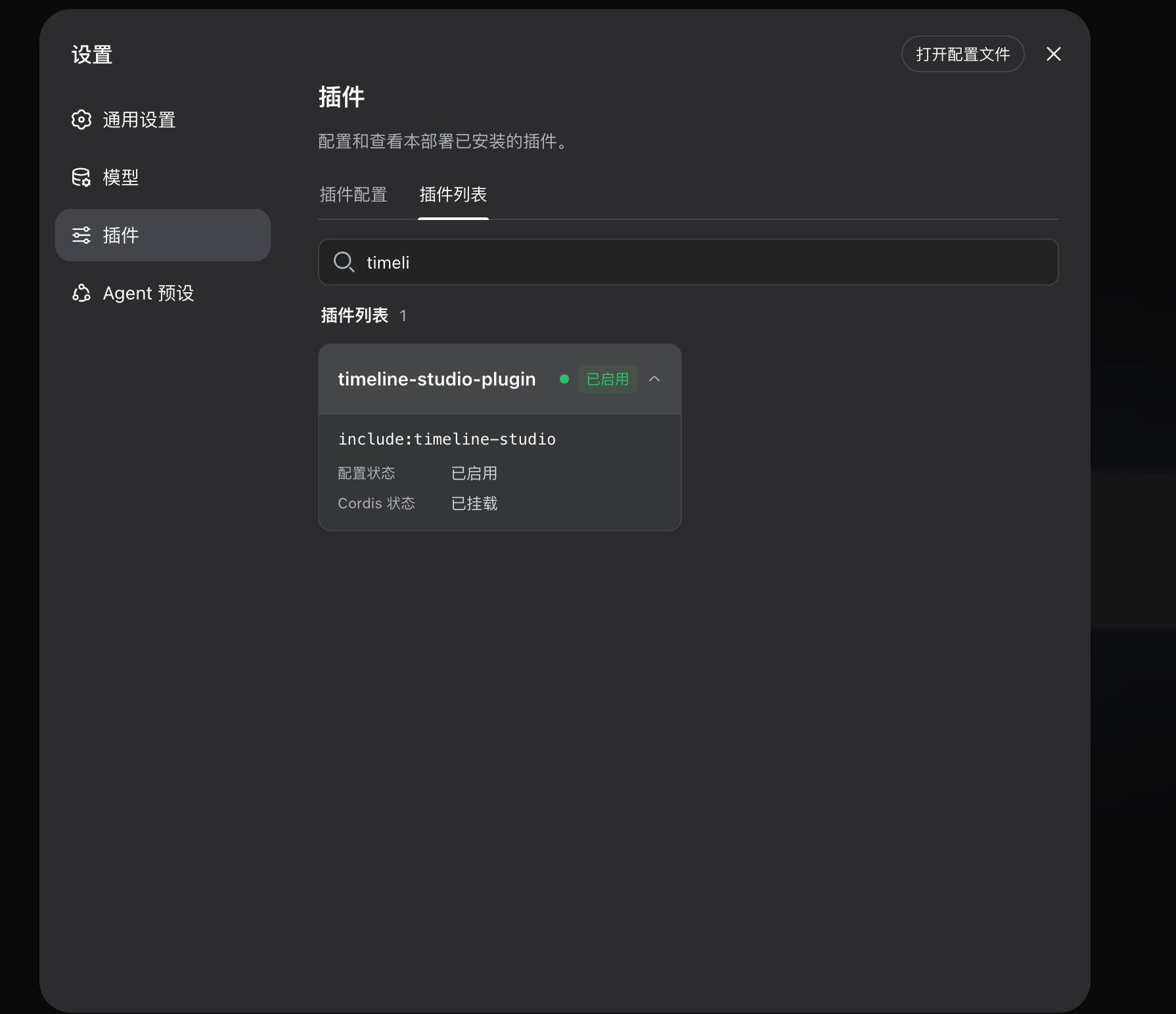
The green Enabled state and Cordis status: Mounted confirm that Harness has loaded the plugin. include:timeline-studio is the mount identifier used by this preview configuration; players do not call it directly—just describe an editing task in a normal conversation.
Try this first:
Inspect the Timeline Studio project in this workspace. Tell me its duration, aspect ratio, tracks, and media. Do not modify any files yet.
Then try a safe edit and export:
Change the project to 9:16. Show me the edit preview first; if it is valid, save it as a new project and render an MP4. Do not overwrite the source file.
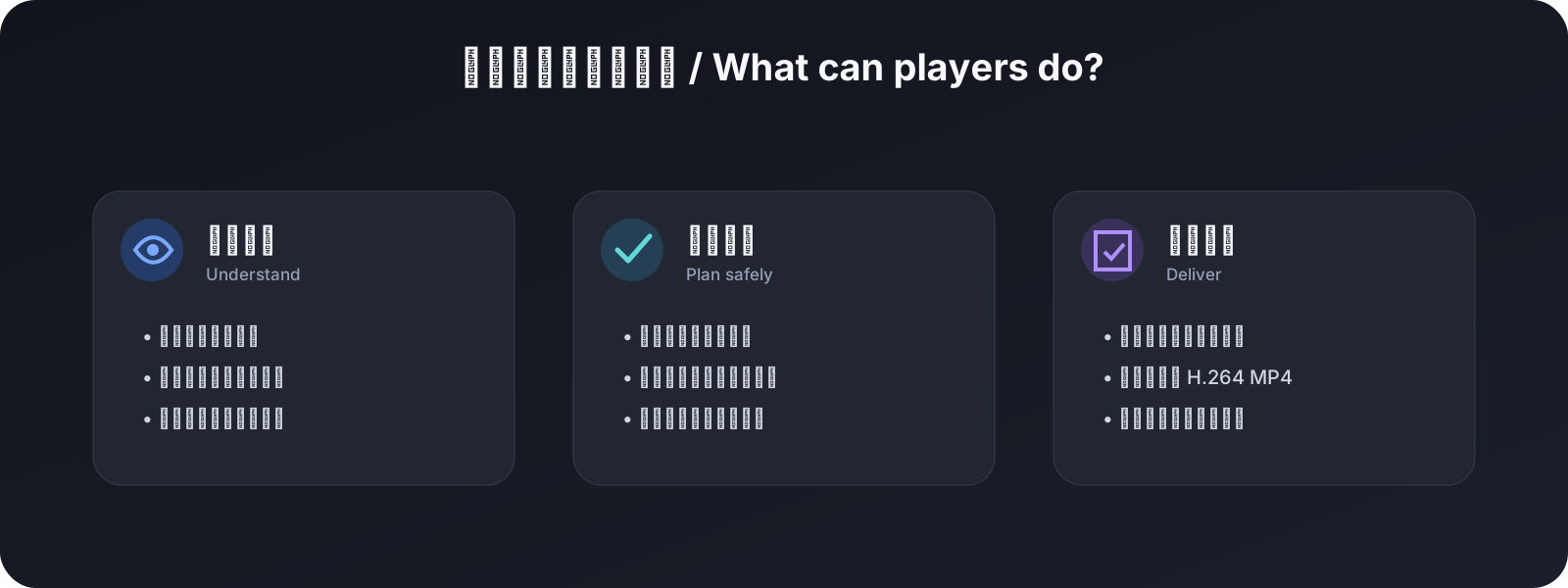
[!NOTE] The plugin does not add a separate visual panel. Its work appears as tool calls and results in the Harness conversation, then as new
.timelineand video files. Rich visual preview and browser-only WebGPU generation remain inside the Timeline Studio editor.
allowedRoots, including symlink-escape protection for inputs and outputs.edit-timeline-studio Skill under .dsh/skills.Browser-only WebGPU generation and rich browser rendering remain in the Timeline Studio editor. The plugin reports unsupported operations as tool errors instead of silently dropping them.
0.1.0-rc.6 Developer Preview22.20+ or 24+The recommended route is to install the GitHub repository as a bundle in the DSH Web profile:
dsh plugin --profile web add "github:MartinDelophy/dsh-timeline-studio-plugin#main"Launch Harness with absolute paths for the Timeline Studio checkout and project workspace:
TIMELINE_STUDIO_ROOT=/absolute/path/to/web_player \
TIMELINE_PROJECTS_ROOT=/absolute/path/to/projects \
dsh --profile web
The bundle remains disabled when TIMELINE_STUDIO_ROOT is unset, so an unconfigured installation cannot break an existing Harness profile. Set the environment variables and restart, then verify the enabled and mounted state under Settings → Plugins → Plugin list.
For local plugin development, npm link is also supported:
cd /absolute/path/dsh-timeline-studio-plugin
npm install
npm link

cd /absolute/path/to/deepseek-harness
npm link dsh-timeline-studio-plugin
When not using the bundle installation, add the plugin manually to the Cordis composition used by your Harness preset:
- name: 'dsh-timeline-studio-plugin'
  config:
    timelineStudioRoot: /absolute/path/to/web_player
    allowedRoots:
      - /absolute/path/to/projects
allowedRoots is an enforced security boundary, not a prompt instruction. Every project, plan, imported asset, and output must resolve inside one of these directories.
The environment-driven example is available at config/timeline-studio.cordis.yml.
edit-timeline-studio.timeline_studio_project_inspect.timeline_studio_project_diff.timeline_studio_project_apply.timeline_studio_project_render.npm run check
TIMELINE_STUDIO_ROOT=/absolute/path/to/web_player npm run test:e2eDeepSeek Harness is still a Developer Preview and may introduce compatibility-breaking changes. This project pins the tested rc.6 packages and keeps editing logic in Timeline Studio so the Harness adapter remains thin.
Use only face and identity media that you own or are explicitly authorized to use. Do not create illegal, infringing, false, misleading, or identity-abusive content, and never present synthetic output as real footage. Users who violate these requirements are solely responsible for their actions and resulting harm.
CLASSIFICATION EVIDENCE
系统优先读取 GitHub Topics,再与站内分类词典和词根规则比对。
leozou320-ai
Voice-to-text for the DeepSeek Harness Web UI — live, editable, never auto-sends. | DeepSeek Harness 网页语音输入
lhenlihai-hub
该仓库暂未提供项目说明。
misterbig5222-oss
DeepSeek Harness highlight annotation plugin: 8-color text highlighting, notes, tags, copy/delete, and context-positione…