
开发工具
插件
dsh-doctor
asdf17128
Find what your DeepSeek Harness (dsh) patches silently broke — dead patches, config fields dropped by whole-config repla…
agentclicordisdeepseek
PROJECT TOPICS
PROJECT README



English | 中文
Use the DeepSeek Harness (DSH) web UI right inside VS Code: click a sidebar icon to embed DSH, which auto-starts (or reuses) the dsh web service — code and AI interface side by side, no more switching between terminal, browser, and IDE.
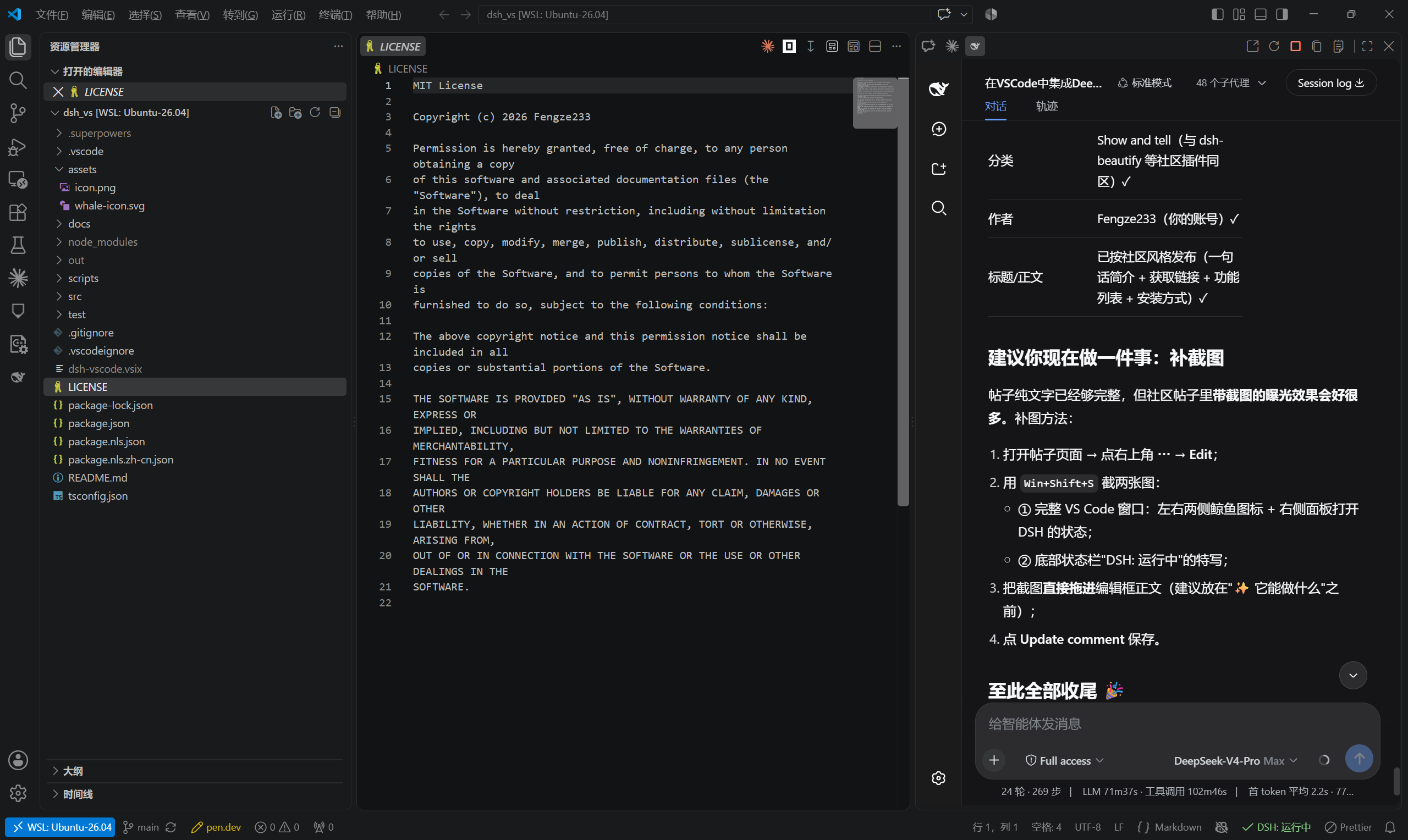
dsh web, otherwise starts one silently in the background and loads it once ready;dsh missing, start timeout, crash/disconnect — each has a dedicated page with one-click reconnect, never a blank screen;zh-*, English otherwise;Option 1: Marketplace (recommended)
Search for DSH (publisher Fengze233) in the VS Code Extensions view, or run:
code --install-extension Fengze233.dsh-vscode-panelMarketplace page: https://marketplace.visualstudio.com/items?itemName=Fengze233.dsh-vscode-panel
Option 2: .vsix package
dsh-vscode.vsix from Releases;Ctrl+Shift+P → run Extensions: Install from VSIX... → select the file;Developer: Reload Window).Option 3: Build from source
git clone https://github.com/Fengze233/dsh-vscode.git
cd dsh-vscode
npm install
npm run package # produces dsh-vscode.vsix, then install as in Option 2Prerequisite: the dsh CLI from DeepSeek Harness must be installed and on your PATH (the extension detects it and shows a hint if missing).
dsh web and embeds the DSH page in that sidebar;Open in Browser Restart Service Stop Service Copy URL Show Logs;DSH:)| Command | Description |
|---|---|
DSH: Open Panel |
Open the left panel |
DSH: Open in Secondary Side Bar |
Open the right panel |
DSH: Open in Browser |
Open the DSH page in the system browser |
DSH: Restart Service |
Restart the extension-managed service |
DSH: Stop Service |
Stop the extension-started service |
DSH: Copy URL |
Copy the DSH page URL |
DSH: Show Logs |
Open the extension log output channel |
DSH: Retry Bridge Install |
Reinstall the bridge and restart the service |
DSH: Uninstall Bridge |
Remove the bridge package and restore cordis.patch.yml |
After installation, the extension installs its own bridge package dsh-vscode-bridge into DSH's official client-plugin extension point under your DSH user directory, enabling two integrations:
To let the DSH page communicate with VS Code, the extension will:
dsh-vscode-bridge into your DSH user directory ($DSH_HOME/profiles/web, default ~/.dsh/profiles/web) via DSH's official client-plugin extension point;insert: entry (wrapped in # dsh-vscode-bridge: begin / # dsh-vscode-bridge: end) into cordis.patch.yml, registering the bridge as a DSH client plugin — writing only to the user directory and never touching the DSH installation directory.To remove: run DSH: Uninstall Bridge — the extension deletes the marked entry and the bridge directory, restoring the original cordis.patch.yml (your own content is untouched).
dsh.*)| Setting | Default | Description |
|---|---|---|
dsh.bridge.enabled |
true |
Enable the bridge (when off: no install, no injection, no warning; the two integrations are unavailable) |
dsh.workspaceRootIndex |
0 |
For multi-root workspaces: which root to use as the dsh web process working directory (out-of-range falls back to the first) |
dsh.bridge.silenceWarning |
false |
Suppress the bridge degradation warning |
The bridge only works inside the panel. If it is inactive (e.g. you open the DSH page in a browser, or the install failed), the panel remains fully usable — only the two integrations above are unavailable; a one-time startup warning (with "Retry Install" / "Don't Show Again") is shown.
dsh.*)| Setting | Default | Description |
|---|---|---|
dsh.port |
3080 |
Desired port (used for both detection and startup) |
dsh.host |
127.0.0.1 |
Service address (loopback only) |
dsh.autoStart |
true |
Auto-start the service when it is not running |
dsh.stopOnExit |
true |
Stop the extension-started service when the last window closes |
dsh.extraArgs |
[] |
Extra arguments appended when starting dsh web |
UI copy follows the VS Code display language (Configure Display Language): zh-* → Simplified Chinese, anything else → English.
Requirements: Node.js ≥ 22, VS Code ≥ 1.91.
npm install
npm run test          # 75 unit/integration tests (including a full real dsh web flow)
npm run compile       # builds out/extension.js
npm run watch         # watch build
npm run typecheck     # type check
npm run package       # package .vsix
Debugging: open this folder in VS Code and press F5 to launch the Extension Development Host.
src/
├── extension.ts          # entry: assembly and command registration
├── i18n.ts               # runtime copy dictionary (zh-* Chinese / otherwise English)
├── config.ts             # settings normalization (loopback whitelist)
├── service/
│   ├── detect.ts         # port probing (DSH marker detection)
│   ├── process.ts        # cross-platform subprocess wrapper (dsh / dsh.cmd)
│   └── manager.ts        # service manager state machine (core)
├── bridge/               # bridge: installer, handshake host, message handling, status
├── panel/
│   ├── html.ts           # panel page templates (minimal CSP)
│   └── provider.ts       # WebviewViewProvider (iframe + placeholder pages)
├── workspaceRoot.ts      # multi-root workspace resolution
└── statusbar.ts # status bar controllerThis is a DeepSeek Harness community plugin (topic: dsh-plugin).
MIT © 2026 Fengze233
CLASSIFICATION EVIDENCE
系统优先读取 GitHub Topics,再与站内分类词典和词根规则比对。
asdf17128
Find what your DeepSeek Harness (dsh) patches silently broke — dead patches, config fields dropped by whole-config repla…
asdf17128
Manage DeepSeek Harness profiles — list, create, clone, diff, and share a whole dsh setup as one portable file.
aust24lzy
DeepSeek Harness (DSH) 开源插件导航站 —— 实时同步 dsh-plugin 生态,按 Stars 动态排行