
开发工具
插件
dsh-doctor
asdf17128
Find what your DeepSeek Harness (dsh) patches silently broke — dead patches, config fields dropped by whole-config repla…
agentclicordisdeepseek
PROJECT TOPICS
PROJECT README



Where fantasy meets functionality. The best of many worlds, refined into one intelligent agent.
中文版 | English
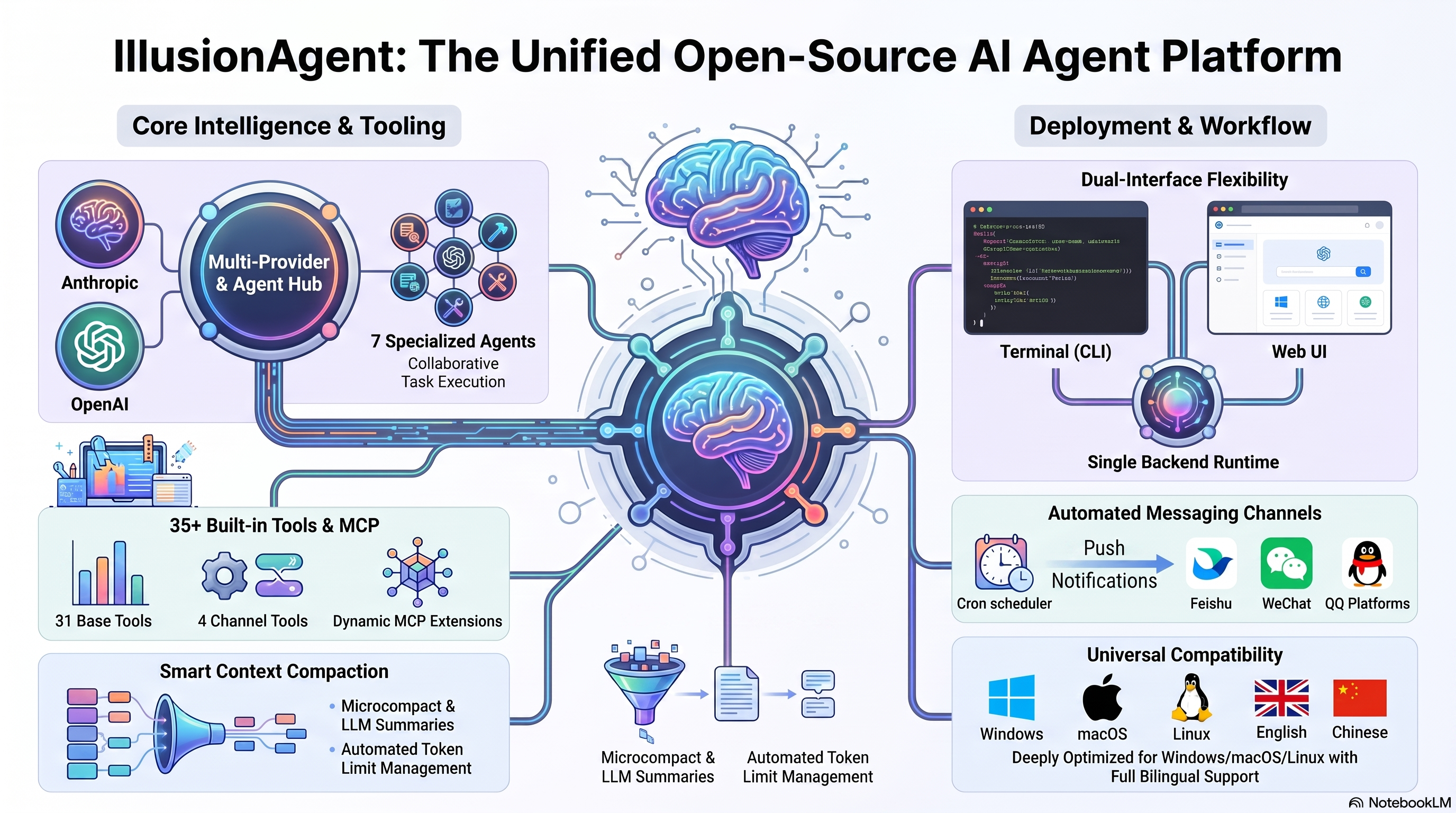
IllusionAgent is an open-source AI agent platform. It unifies a multi-provider LLM gateway, a bilingual (Chinese/English) CLI, a browser-based Web UI, and a flexible extension ecosystem into a single intelligent agent — at home on Windows, macOS, and Linux.
Whether you prefer the discipline of the terminal or the ease of the browser, IllusionAgent resonates with your workflow: 35 built-in tools, 7 specialized sub-agents, 2 compaction methods, MCP server support, hooks, plugins, and a cron scheduler for unattended automation — spanning Feishu, WeChat, and QQ.
Standing on the shoulders of giants — Claude Code prompts, OpenHarness architecture, OpenClaw scheduling, kimi-cli infrastructure, hermes-agent channels, cc-switch routing.
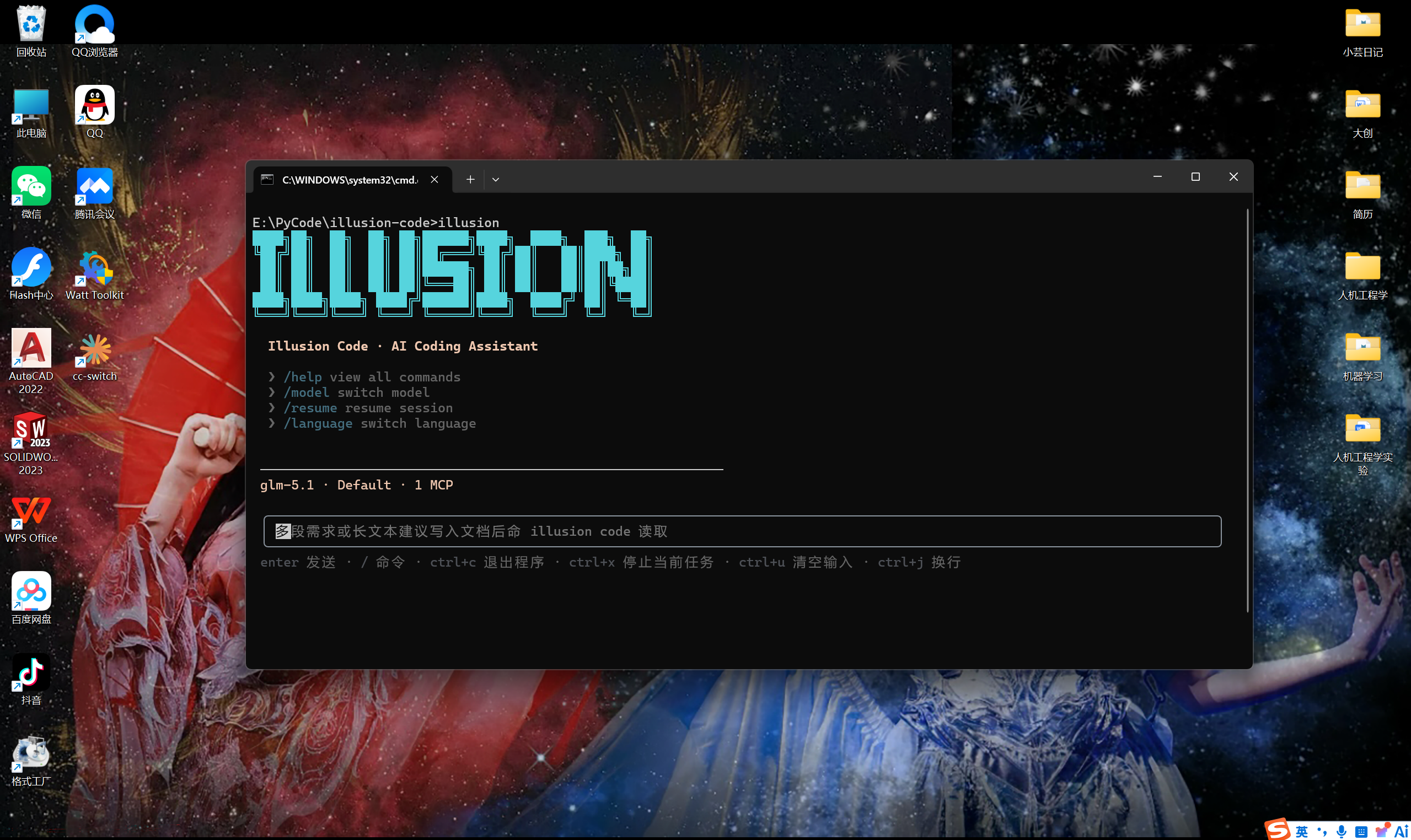
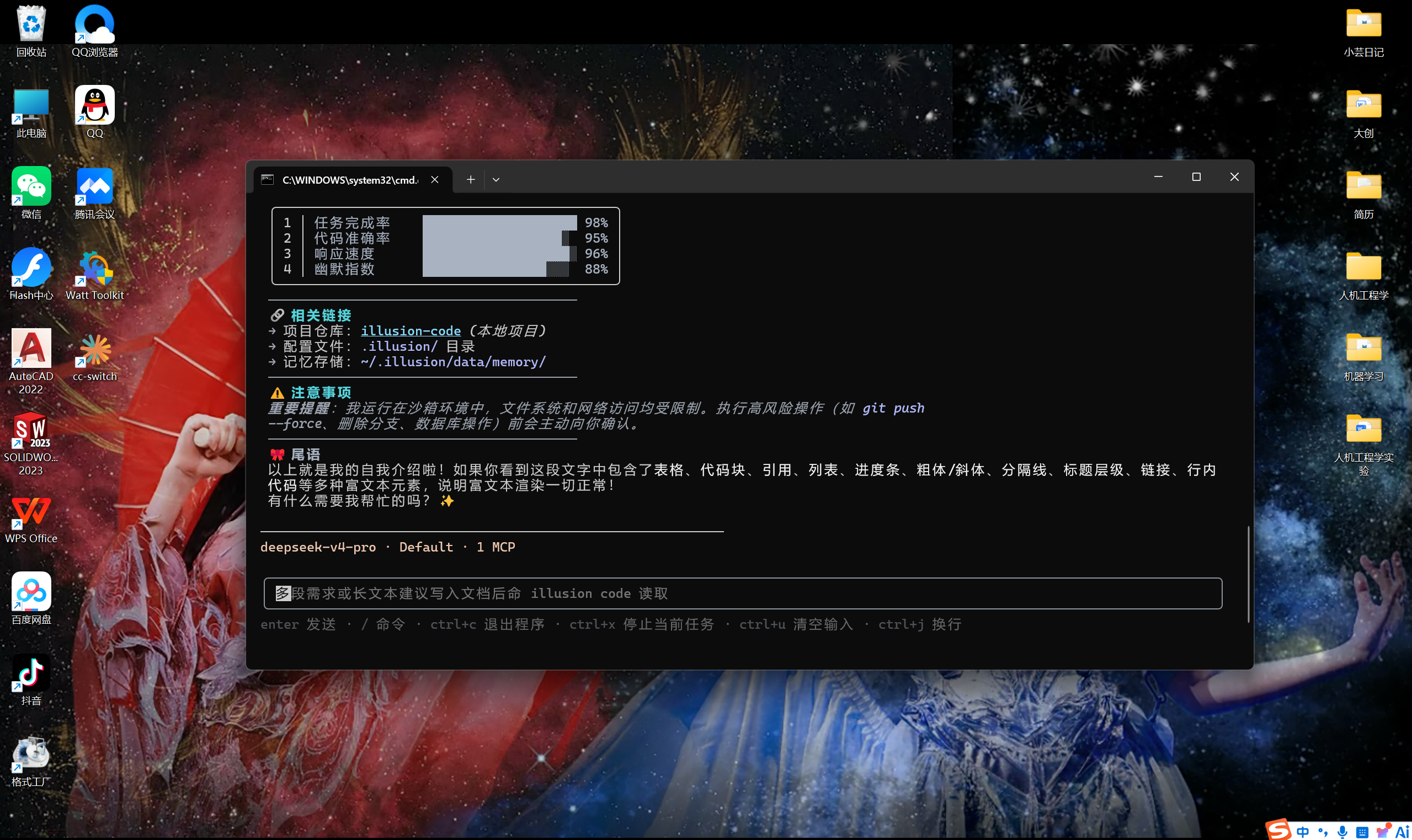
illusion web, independently usable alongside the terminalui_language settingWelcome screen & rich text rendering
pip install illusion-agent does not require Node.js)# Recommended: pip install from PyPI (no Node.js required)
pip install illusion-agent
# Alternative: from source (requires Node.js 18+)
git clone https://github.com/YunTaiHua/illusion-agent.git
cd illusion-agent
pip install .Prefer a desktop app without installing Python or Node.js? Download the portable build for your platform — extract and run, zero environment setup:
| Platform | Download |
|---|---|
| Windows | IllusionAgent-<version>-win-x64.zip |
| macOS | IllusionAgent-<version>-arm64.dmg |
| Linux | IllusionAgent-<version>.AppImage |
👉 Download from GitHub Release
The desktop edition bundles Python 3.12 and Node.js 20 runtimes internally. See Desktop Edition docs for details.
# First-time: configure authentication and working directory
illusion auth login

# Start interactive session (recommended)
illusion

# Launch Web UI in browser
illusion web

# Non-interactive print mode
illusion -p "Analyze the structure of this project"

# Set or update working directory
illusion set "E:\Projects\my-project"-p / --print runs a single non-interactive request and exits:
# Read-only analysis (safe, default permission mode)
illusion -p "Analyze the structure of this project"

# Allow file writes / command execution without interactive approval
illusion --permission-mode full_auto -p "Fix the failing tests"

# Resume after the process exits with code 2 (pending question/permission/plan)
illusion -c -p "Y"

# Specify model and effort for print mode
illusion -m env_1.model_2 -e high -p "Refactor this module"
Important details:
-p greedily.illusion -c -p "Y", "F", or "N".0 success, 1 error, 2 waiting for cross-turn input.The terminal (illusion) and Web UI (illusion web) are two independent, first-class interfaces. They share the same backend runtime, settings, and session storage — use whichever fits your workflow.
| Topic | English | 中文 |
|---|---|---|
| Introduction | docs/en/introduction.md | docs/zh-CN/introduction.md |
| Getting Started | docs/en/getting-started.md | docs/zh-CN/getting-started.md |
| Commands | docs/en/commands.md | docs/zh-CN/commands.md |
| Settings & Credentials | docs/en/settings.md | docs/zh-CN/settings.md |
| Project Files & Memory | docs/en/project-files.md | docs/zh-CN/project-files.md |
| Extensions (MCP, Plugins, Skills, Hooks) | docs/en/extensions.md | docs/zh-CN/extensions.md |
| Architecture | docs/en/architecture.md | docs/zh-CN/architecture.md |
| Token Metering & Compaction | docs/en/token-metering.md | docs/zh-CN/token-metering.md |
| Messaging Channels | docs/en/channels.md | docs/zh-CN/channels.md |
| Desktop Edition | docs/en/desktop.md | docs/zh-CN/desktop.md |
This project is open-sourced under the MIT license.
Welcome to submit Issues and Pull Requests!
CLASSIFICATION EVIDENCE
系统优先读取 GitHub Topics,再与站内分类词典和词根规则比对。
asdf17128
Find what your DeepSeek Harness (dsh) patches silently broke — dead patches, config fields dropped by whole-config repla…
asdf17128
Manage DeepSeek Harness profiles — list, create, clone, diff, and share a whole dsh setup as one portable file.
aust24lzy
DeepSeek Harness (DSH) 开源插件导航站 —— 实时同步 dsh-plugin 生态,按 Stars 动态排行