
开发工具
插件
dsh-doctor
asdf17128
Find what your DeepSeek Harness (dsh) patches silently broke — dead patches, config fields dropped by whole-config repla…
agentclicordisdeepseek
PROJECT TOPICS
PROJECT README
Use DeepSeek Harness as a coding assistant in the VS Code sidebar.
The goal is the same kind of workflow offered by Claude Code and Codex in VS Code: keep an assistant beside your editor while you work, with the current project already in context.
English | 简体中文


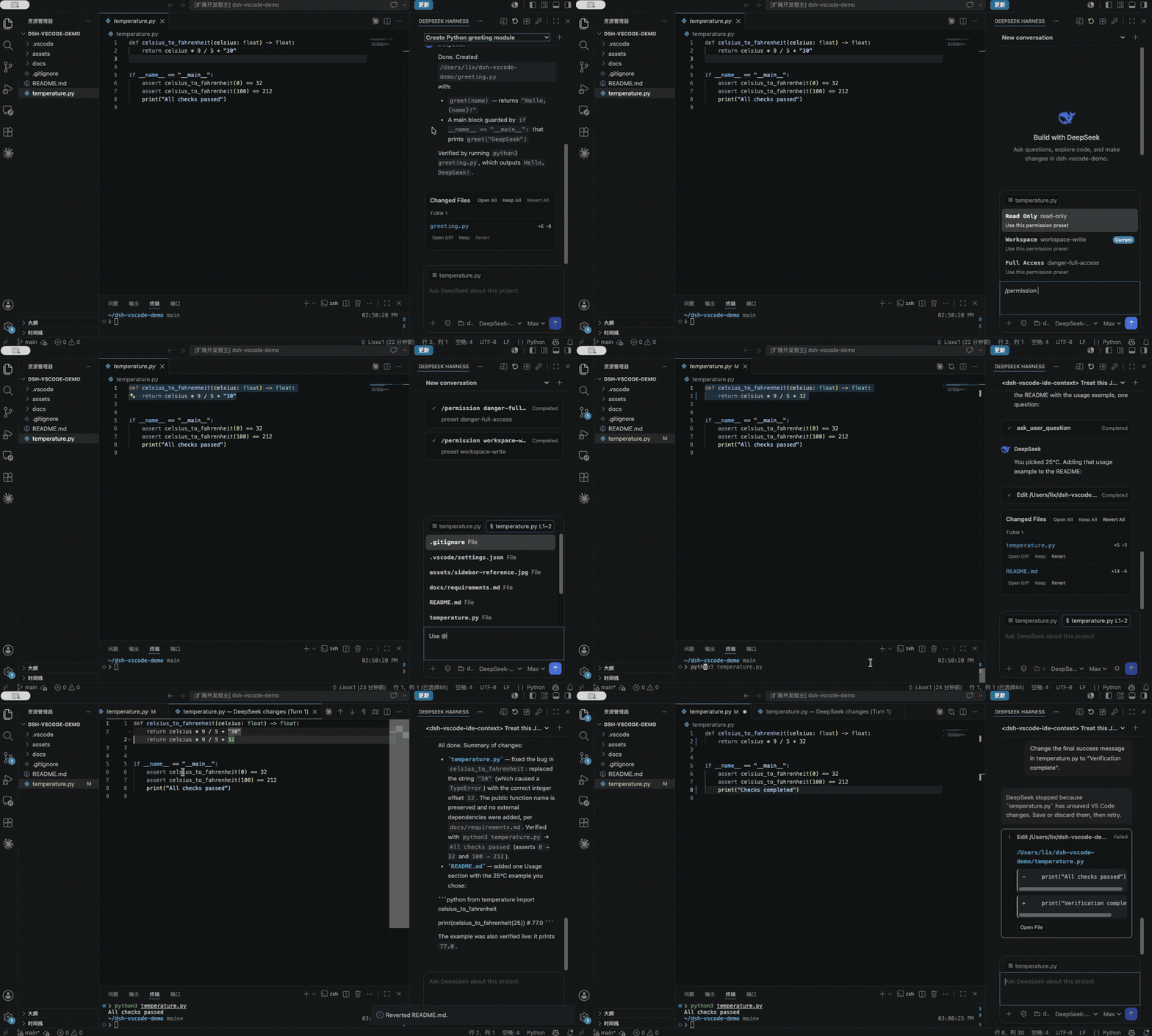
Install the official DeepSeek Harness CLI first:
npm install -g @deepseek-ai/dshThen build and install the extension:
git clone https://github.com/Lixxx1/dsh-vscode.git
cd dsh-vscode
corepack pnpm install --frozen-lockfile
corepack pnpm run check
corepack pnpm run package
code --install-extension dsh-vscode.vsix
Requires VS Code 1.100 or newer and Node.js ^22.19 or >=24.
DEEPSEEK_API_KEY.For implementation details, see Architecture. To contribute, read CONTRIBUTING.md.
CLASSIFICATION EVIDENCE
系统优先读取 GitHub Topics,再与站内分类词典和词根规则比对。
asdf17128
Find what your DeepSeek Harness (dsh) patches silently broke — dead patches, config fields dropped by whole-config repla…
asdf17128
Manage DeepSeek Harness profiles — list, create, clone, diff, and share a whole dsh setup as one portable file.
aust24lzy
DeepSeek Harness (DSH) 开源插件导航站 —— 实时同步 dsh-plugin 生态,按 Stars 动态排行